How to Generate a Ledger Drill Down Report
This guide shows how to quickly produce and customize a ledger drill-down report so you can inspect the transactions behind account balances. It explains selecting entities, choosing accrual or cash basis, setting date ranges and page layout, and generating the PDF. Follow it to access account-level transaction details and update the report view as needed.
How to Generate Ledger Drill Down Report
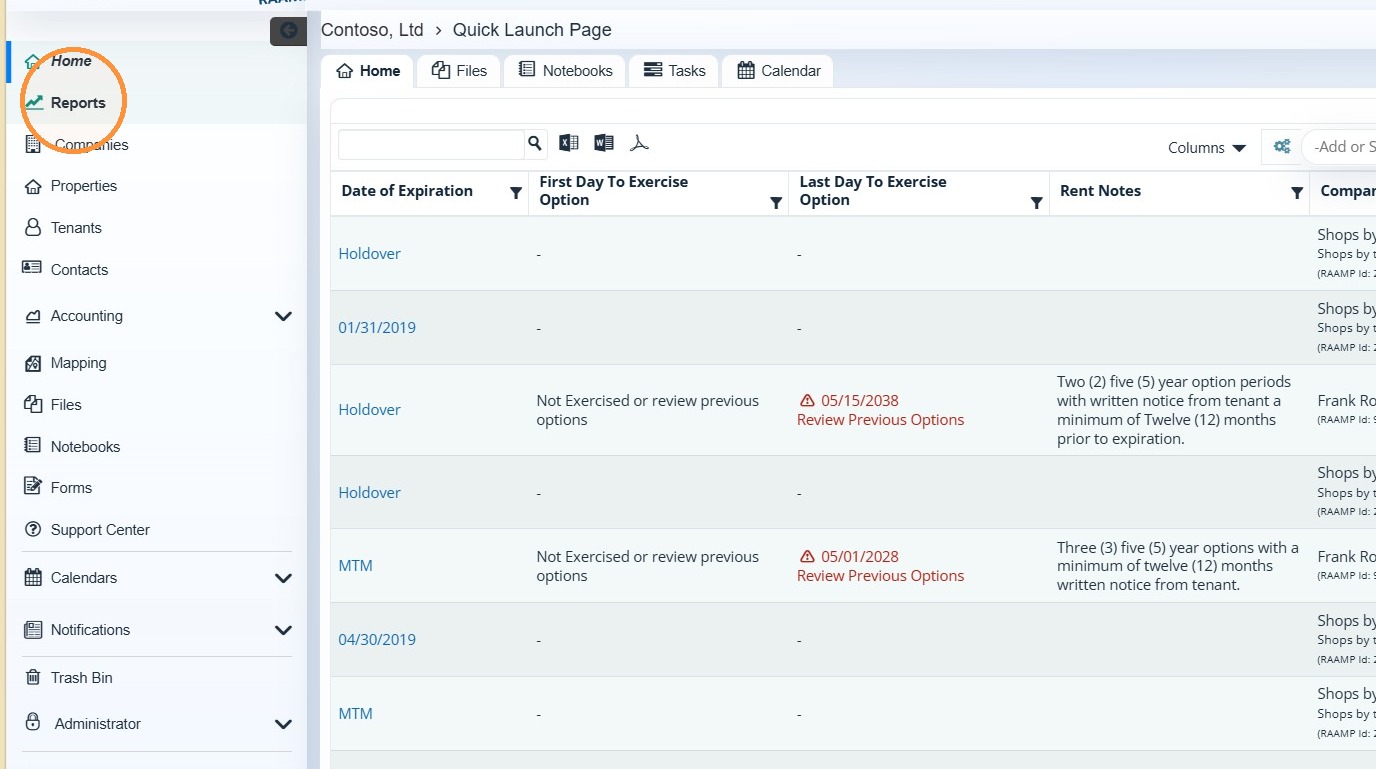
1. Select Reports.
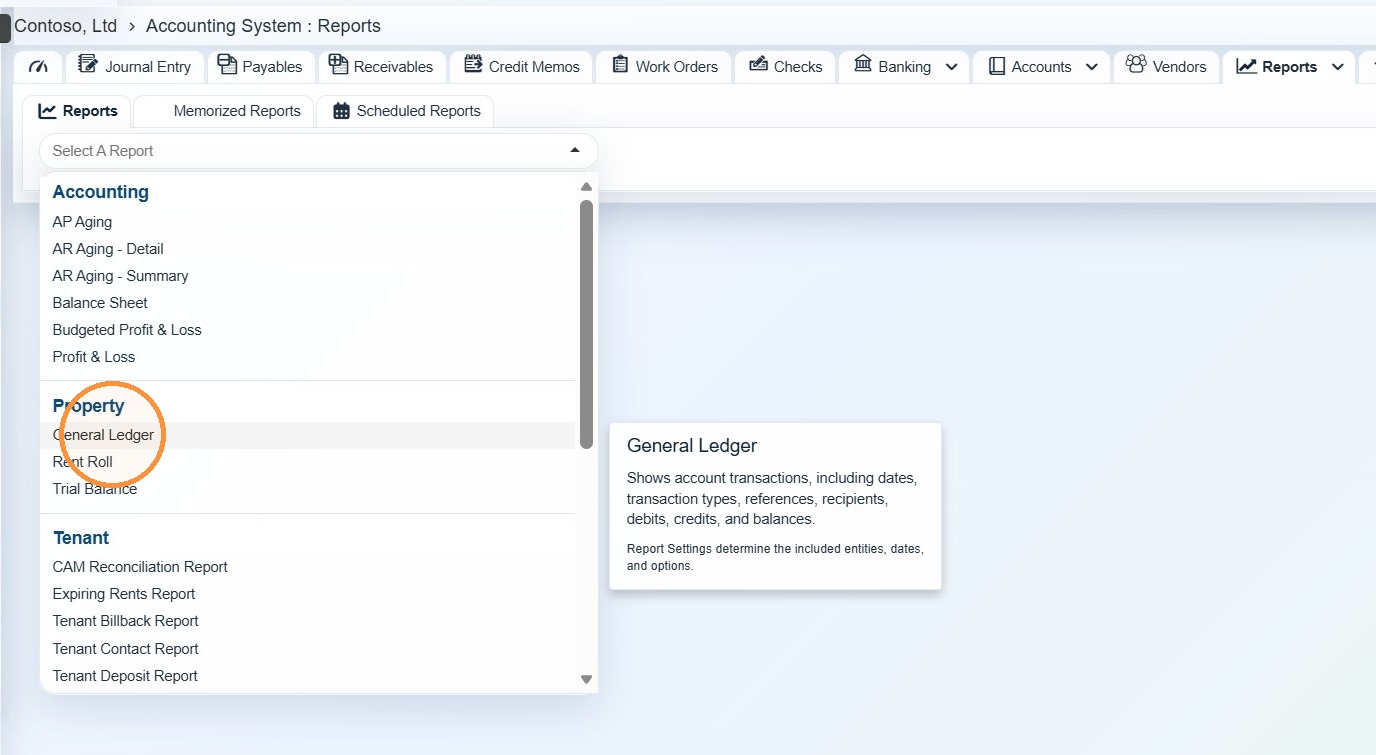
2. Select General Ledger.
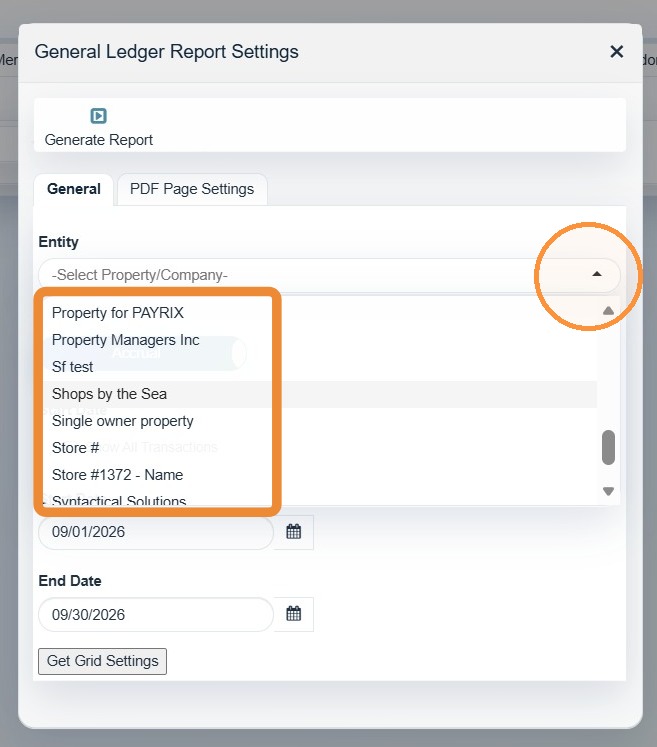
3. Select the entity/entities.
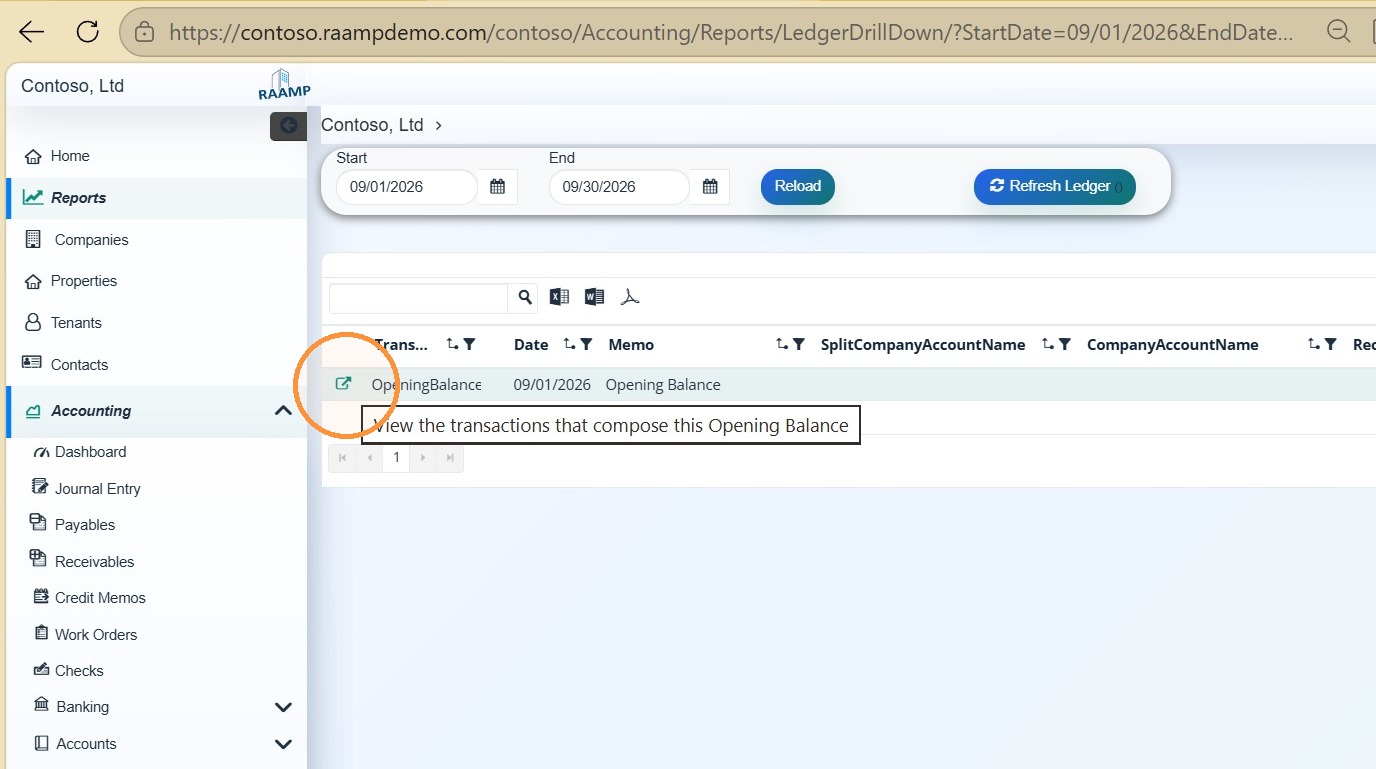
4. Click "View the transactions that compose this Opening Balance"
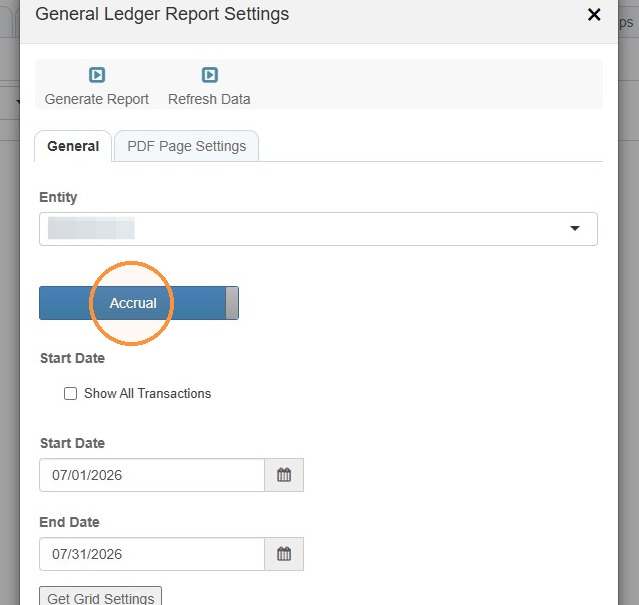
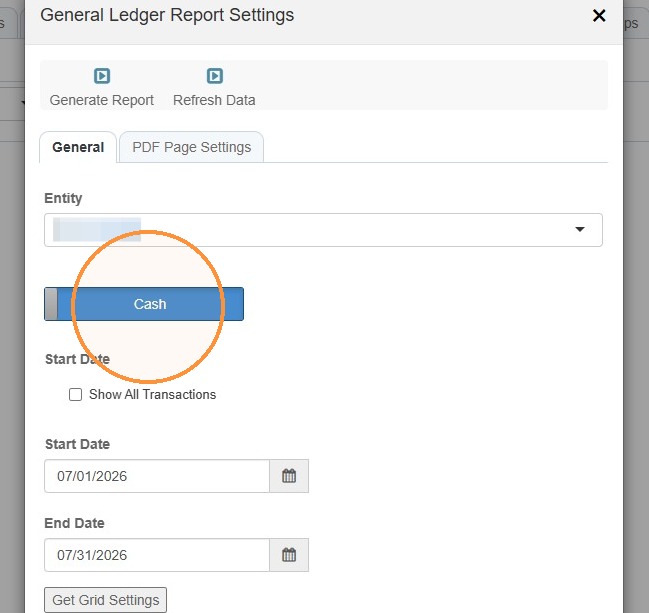
5. Toggle between Accrual and Cash based on your requirements.
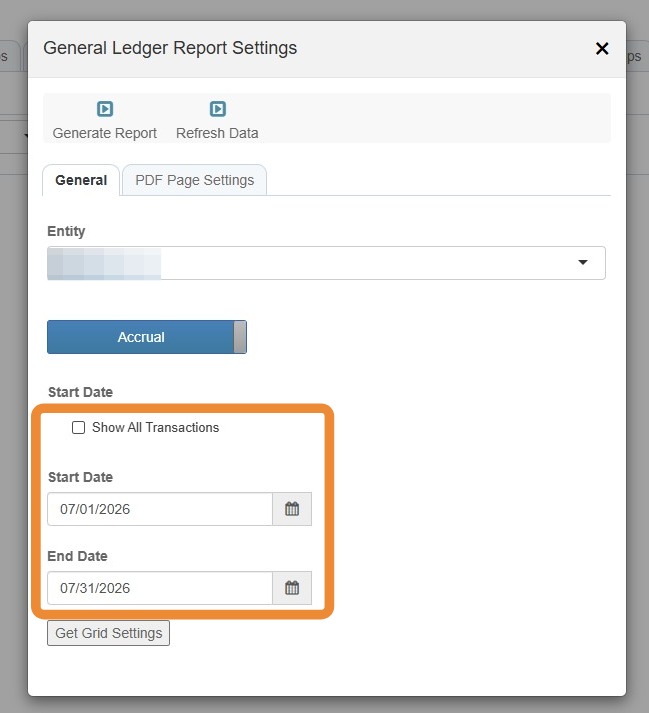
6. Enter the Start Date and End Date > Select the Show All Transactions checkbox, if required/needed.
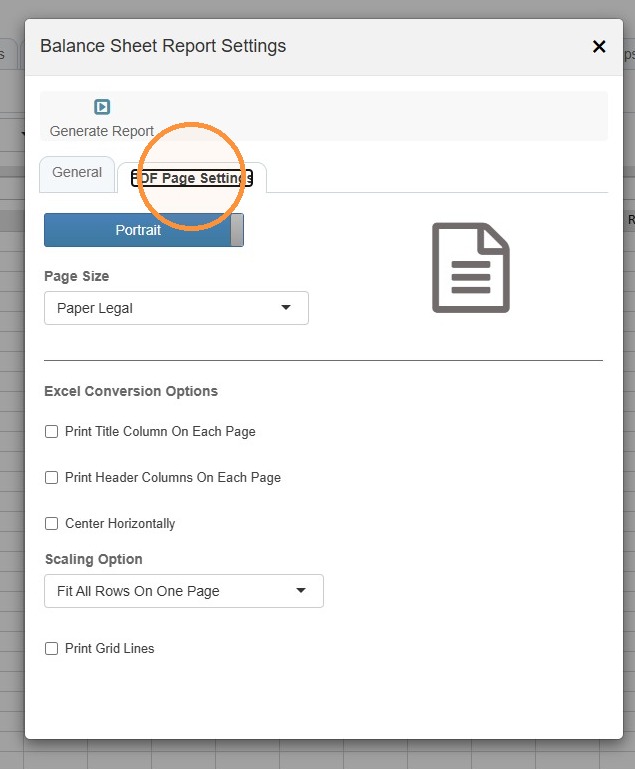
7. Select the PDF Page Settings tab to set page layout preferences.
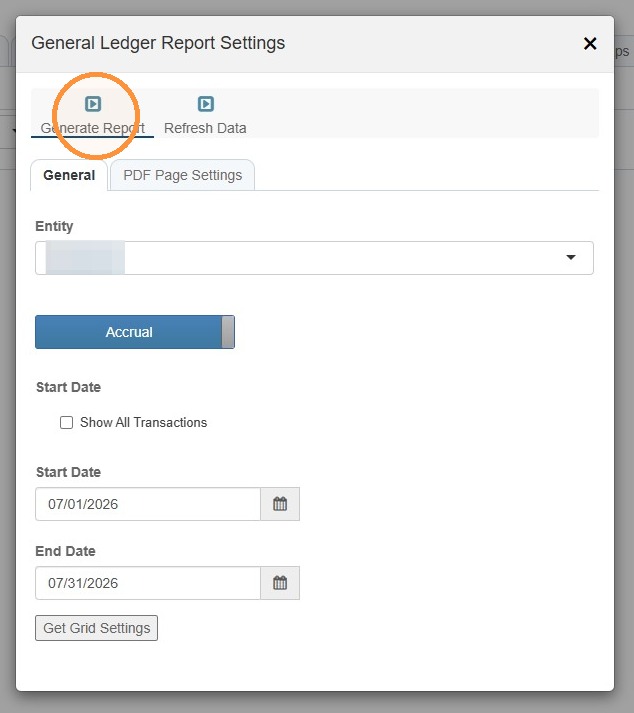
8. After all settings are confirmed, select Generate Report.
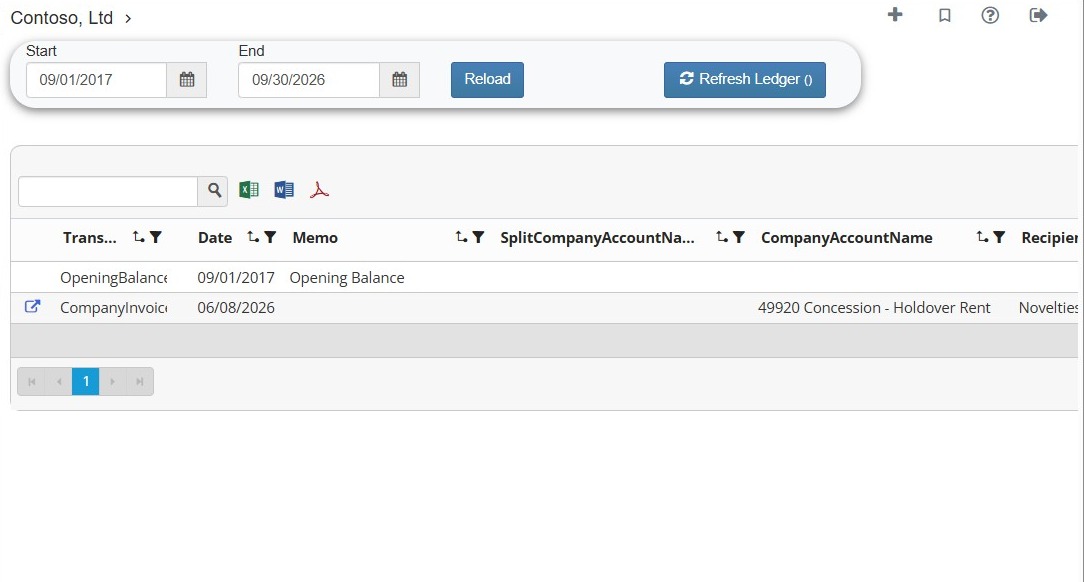
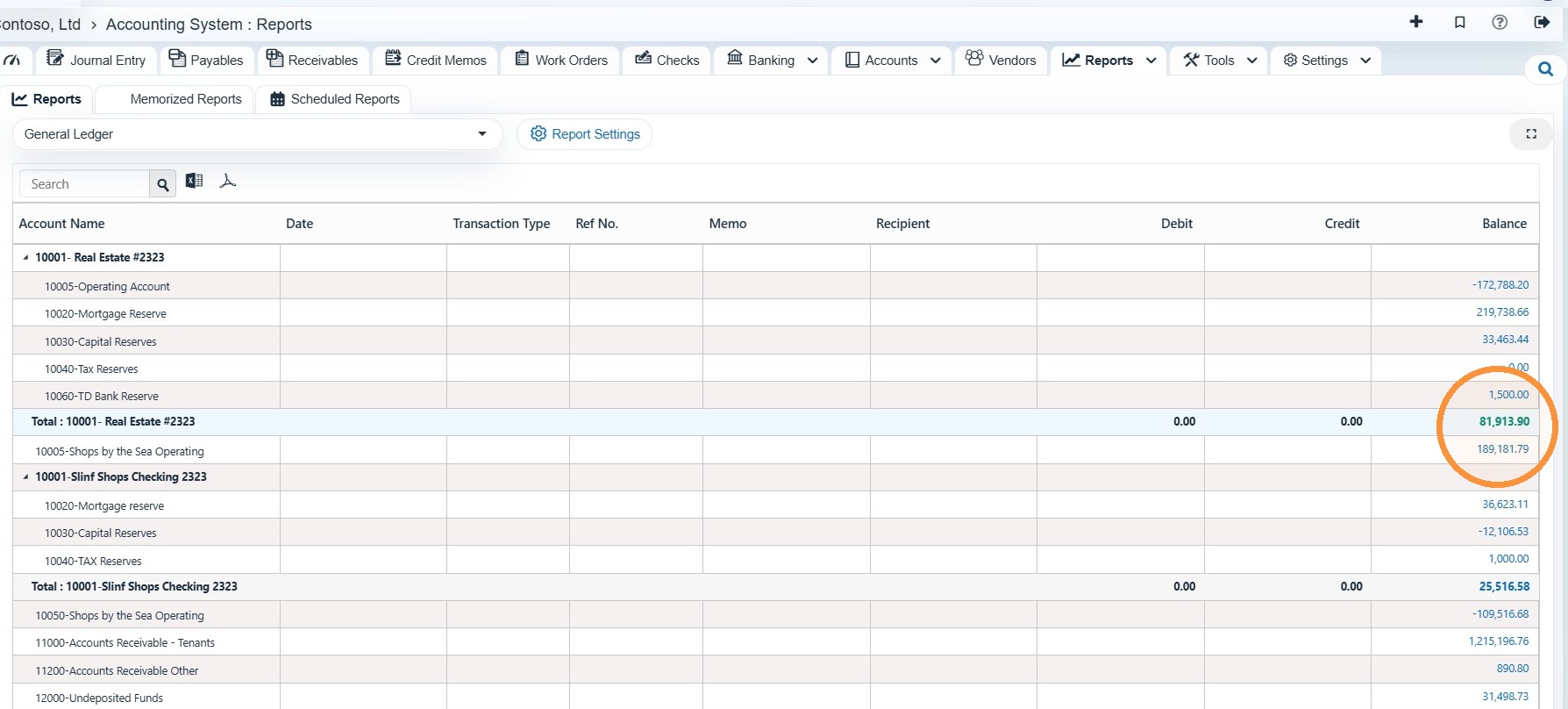
9. Select the balance hyperlink for the account to view the ledger drill down report.
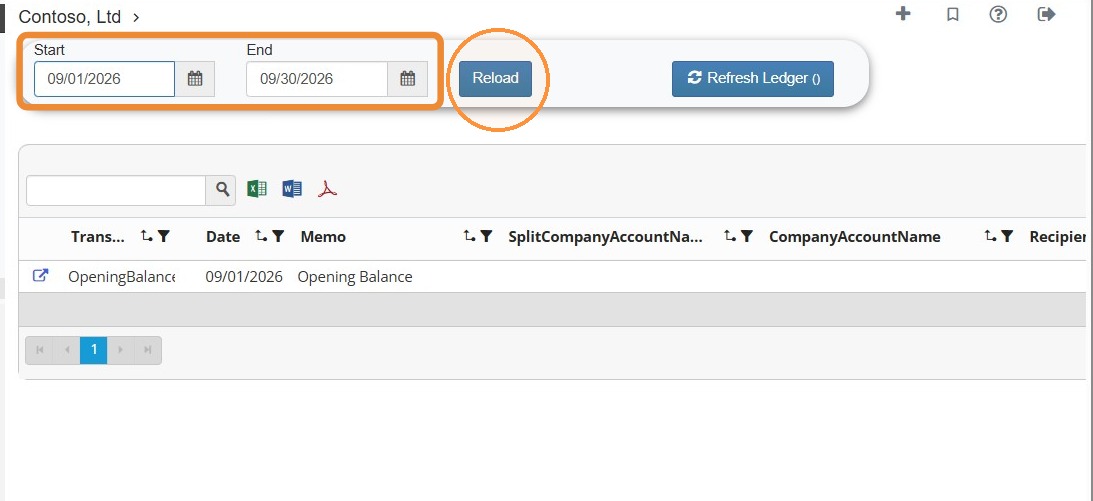
10. Select the start and end dates > Select Reload to update the report.