How to Manage Profile Settings in Tenant Portal
This guide shows tenants how to quickly secure and personalize their portal account—add or update a phone number, enable or modify two-factor authentication for better security, change the account password, and switch the visual theme. Follow it to ensure your contact info and security settings are current and the portal looks the way you prefer.
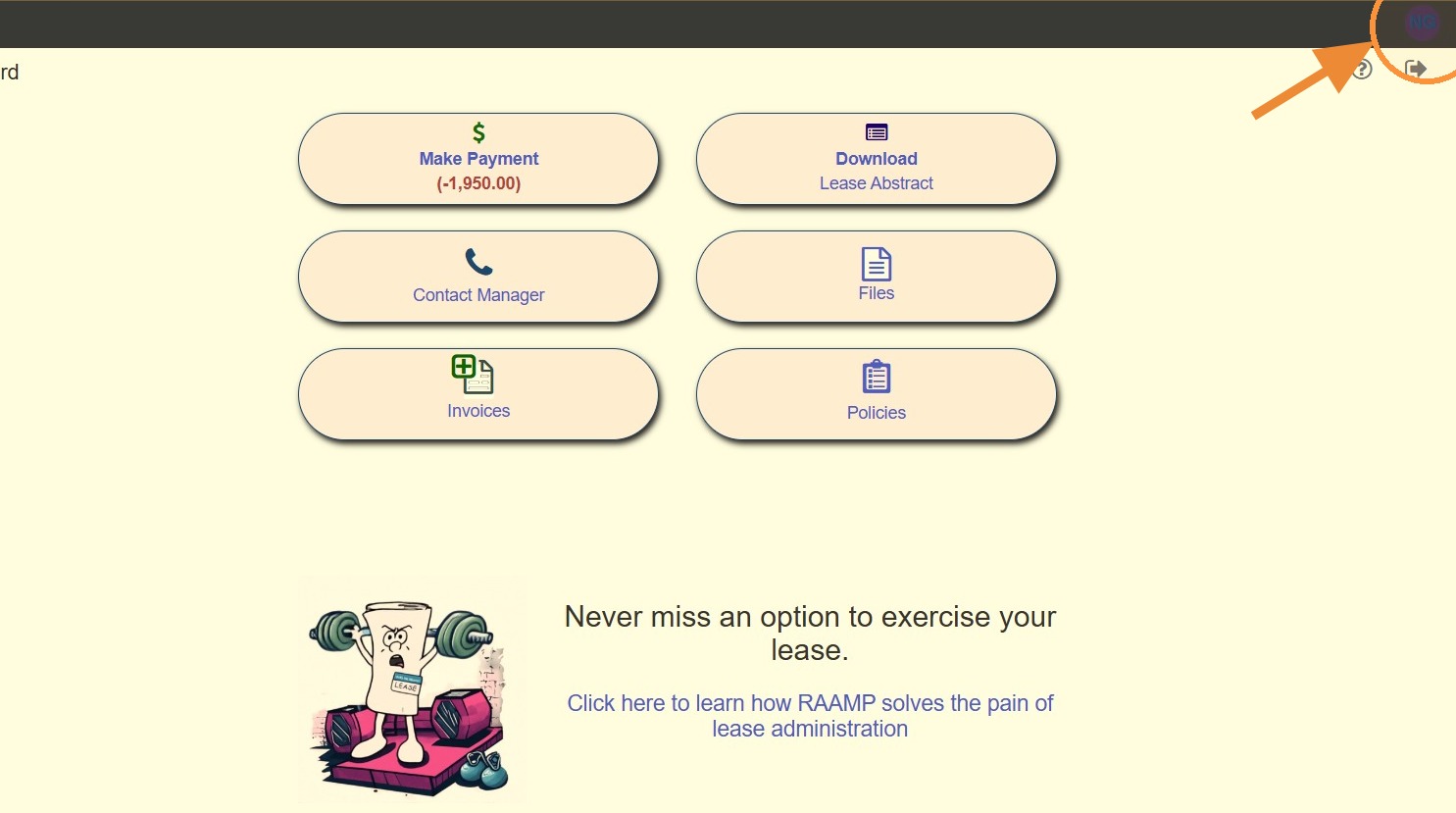
Navigating to Profile Settings
1. Select the avatar in the top right corner.
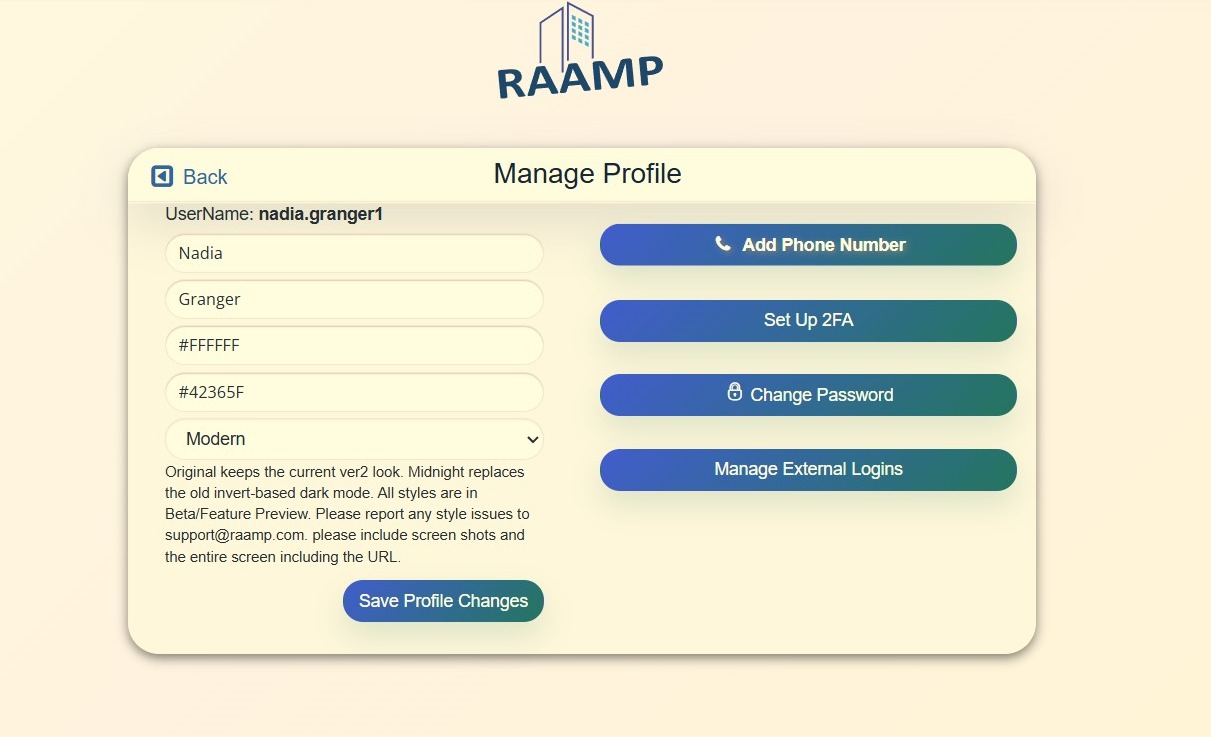
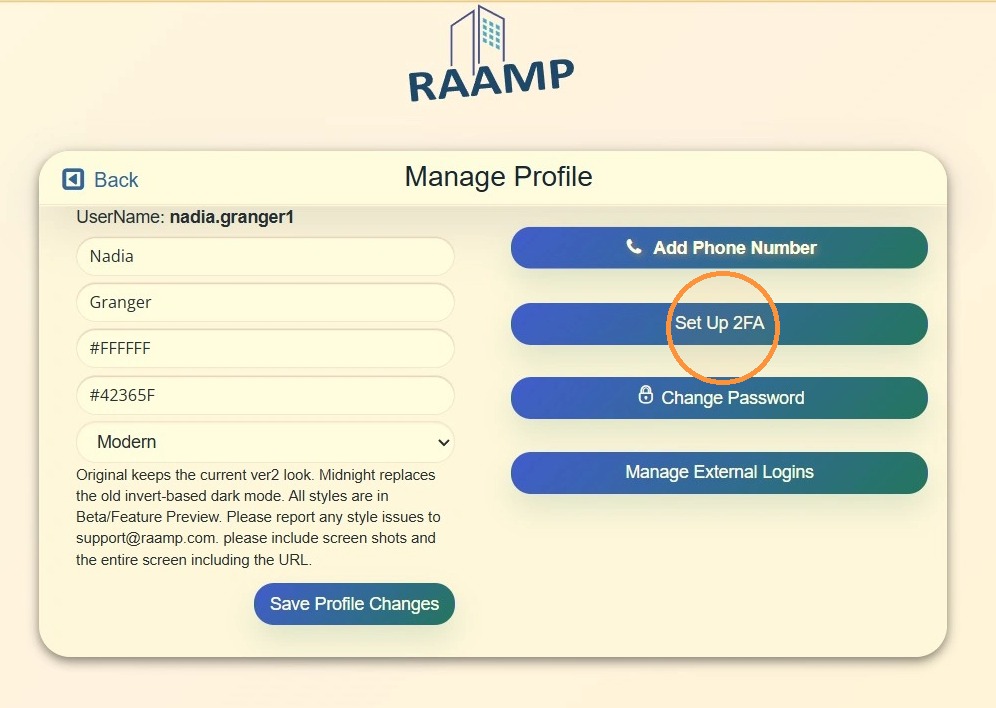
2. The Manage Profile screen will allow you to add/update a phone number, set up/update 2FA options, change password, and change theme.
How to Add/Update Phone Number
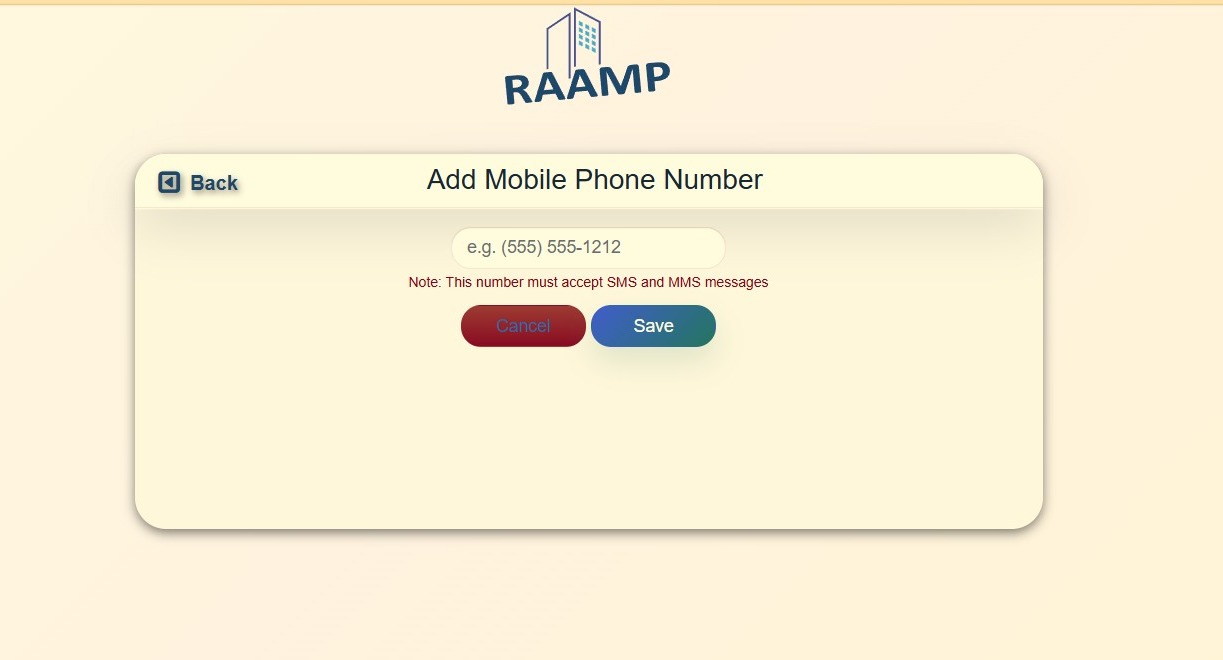
3. Select Add Phone Number.
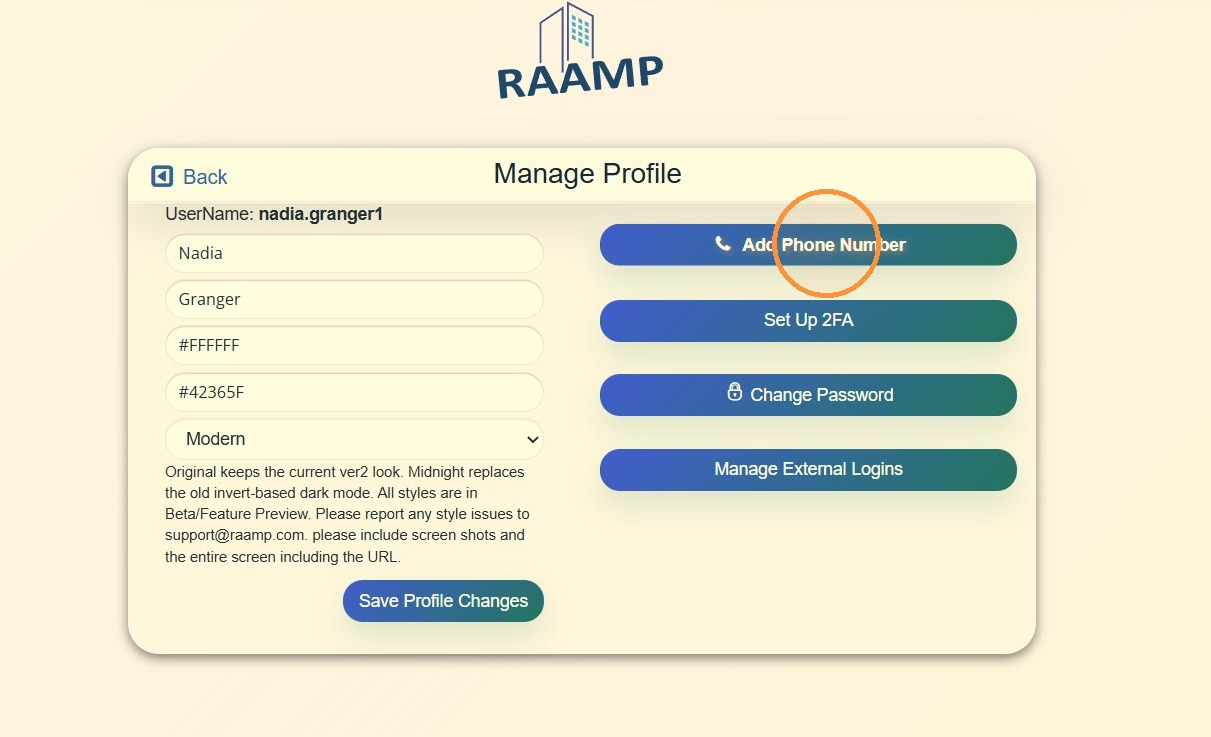
4. Add/Update phone number > Select Save > Select Back to return to the Manage Profile screen.
How to Set Up/Update 2FA
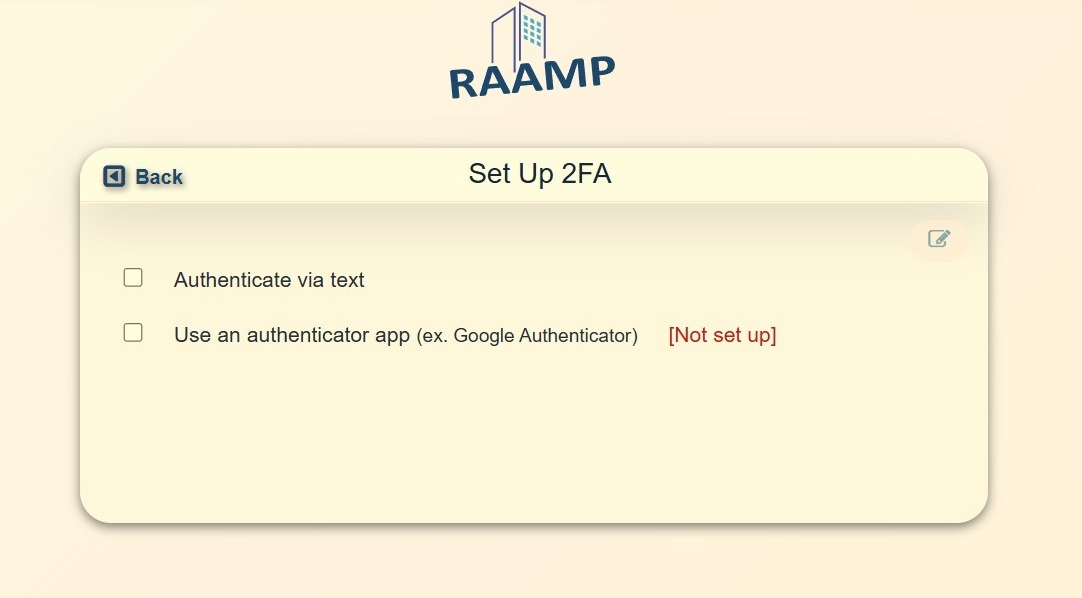
5. Select Set Up 2FA.
6. For detailed instructions see How to Access Tenant Portal and Log In.
How Change Profile Theme
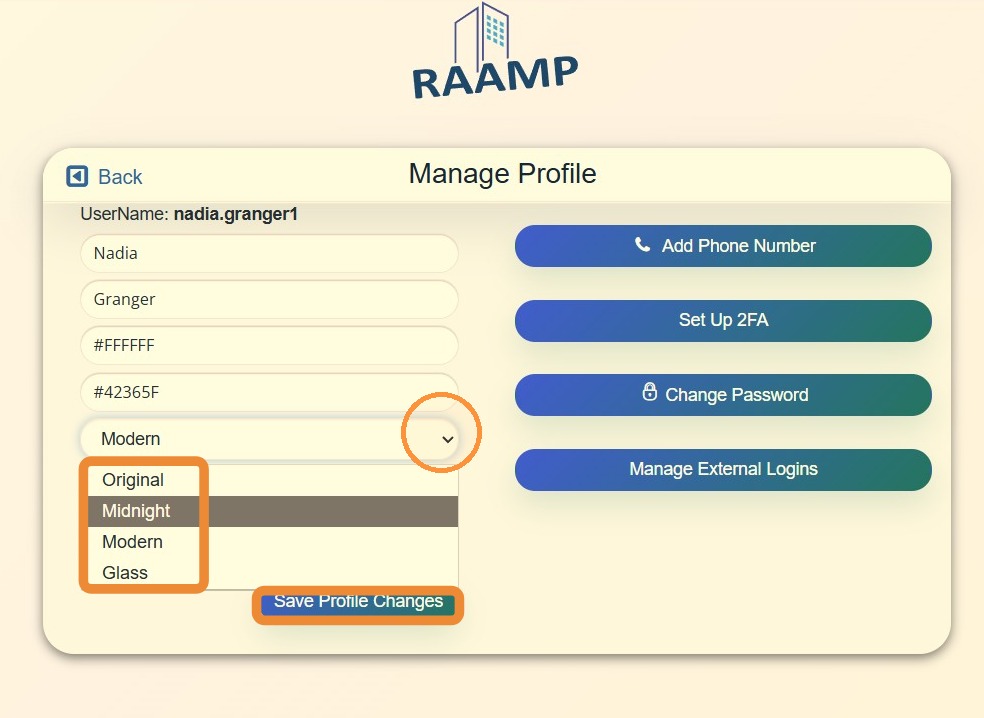
7. Select the theme dropdown menu > Choose your preferred theme > Select Save Profile Changes.