How to Link and Verify an AR Account in RAAMP
This guide shows the fastest, step-by-step way to connect an AR (accounts receivable) bank account in RAAMP and get it verified so you can accept payments. It explains both instant secure-login linking (automatic approval) and manual linking with account/routing numbers (requires uploaded bank docs and 3–5 business days for approval). Follow it to avoid delays and complete verification correctly.
Tip: You must add an AR account within seven days of starting the verifying ownership process.
How to Link AR Account
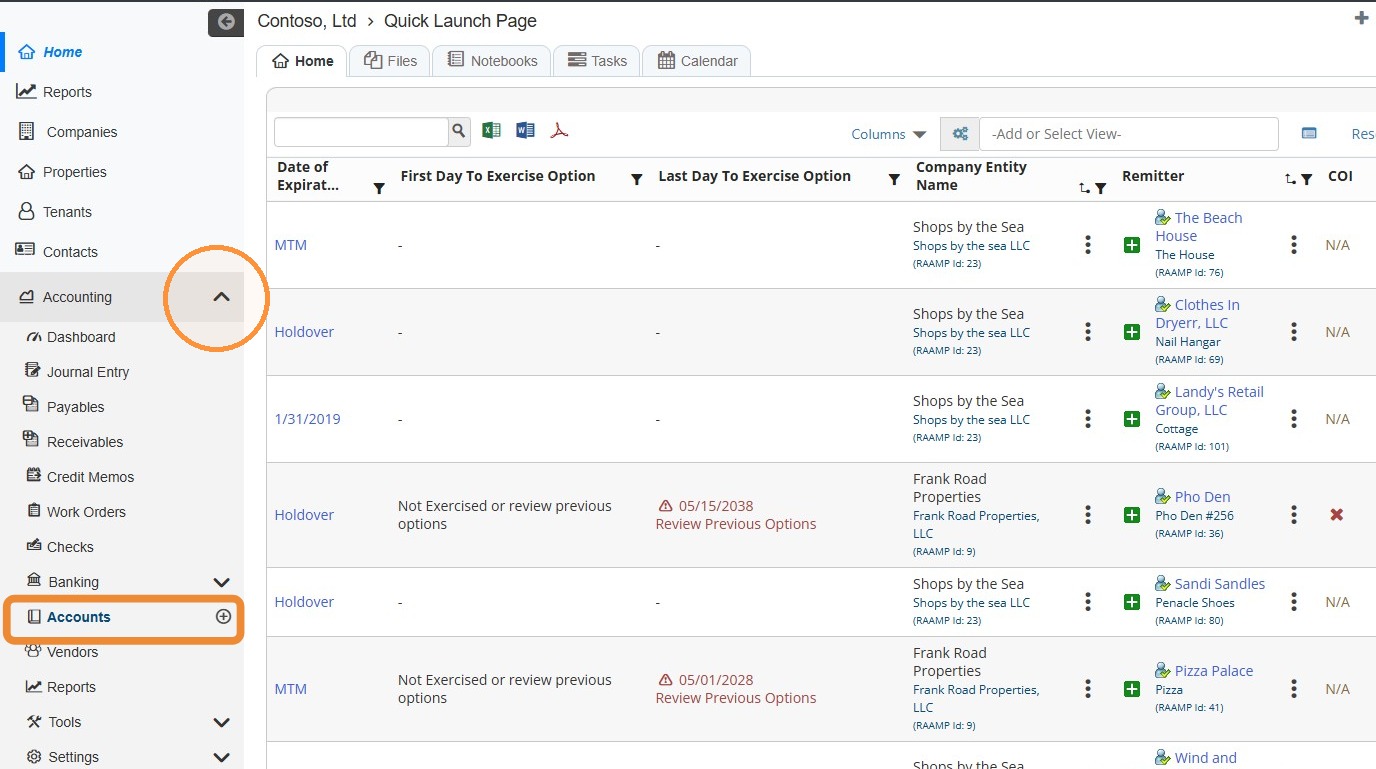
1. From the navigation menu, select Accounting > Select Accounts.
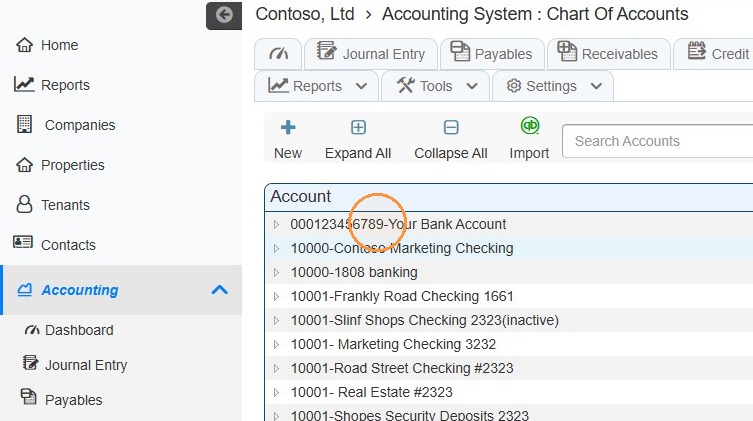
2. Select the account to link.
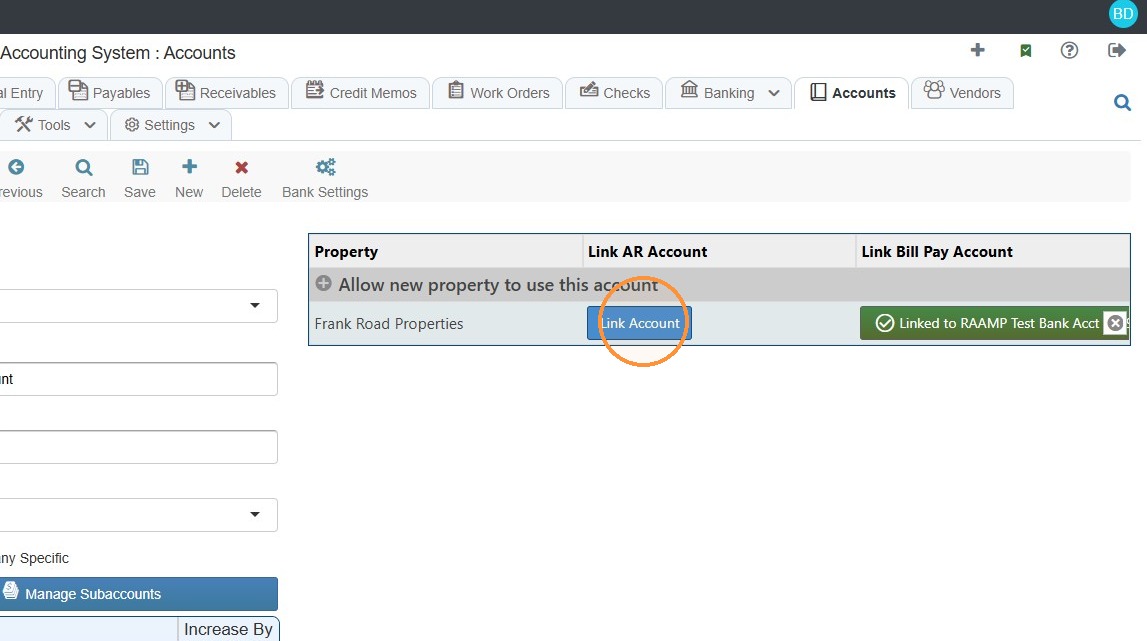
3. Under the Link AR Account heading, select Link Account.
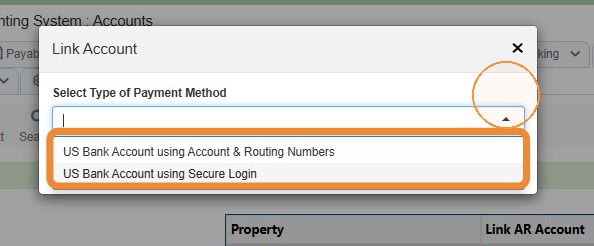
4. Select the Type of Payment Method from the dropdown menu.
US Bank Account using Account & Routing Numbers - Requires uploading documentation: a bank statement, bank letter or voided check. Account will be inactive until approved. Approval takes 3-5 business days.
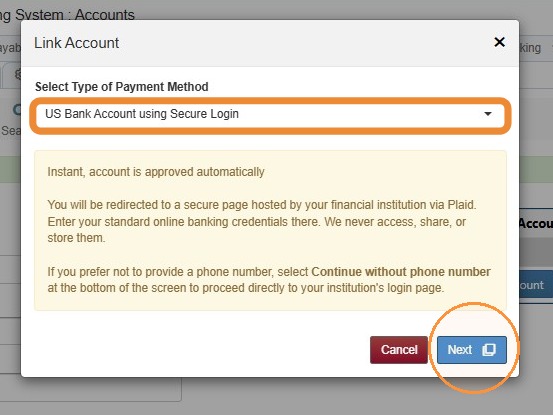
US Bank Account using Secure Login - The account is approved automatically.
How to Link US Bank Account using Secure Login
Tip: If an individual has view-only permissions for a bank account, they will need to verify using microdeposits.
5. Select US Bank Account using Secure Login > Select Next.
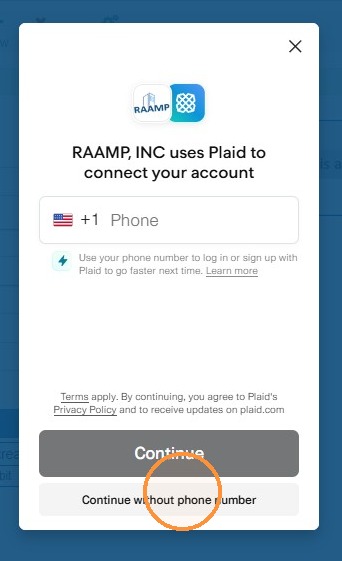
6. Select Continue without phone number.
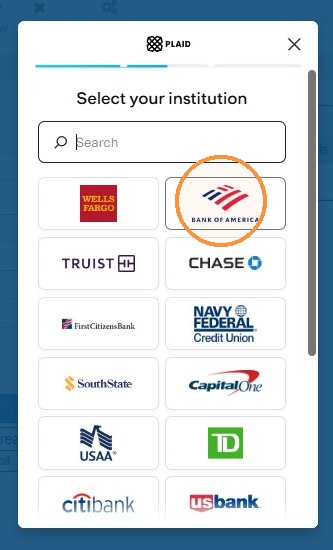
7. Select your institution.
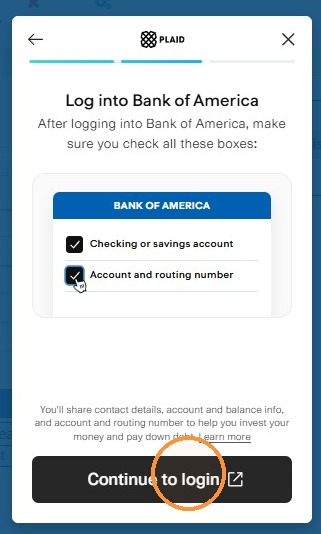
8. Select Continue to login.
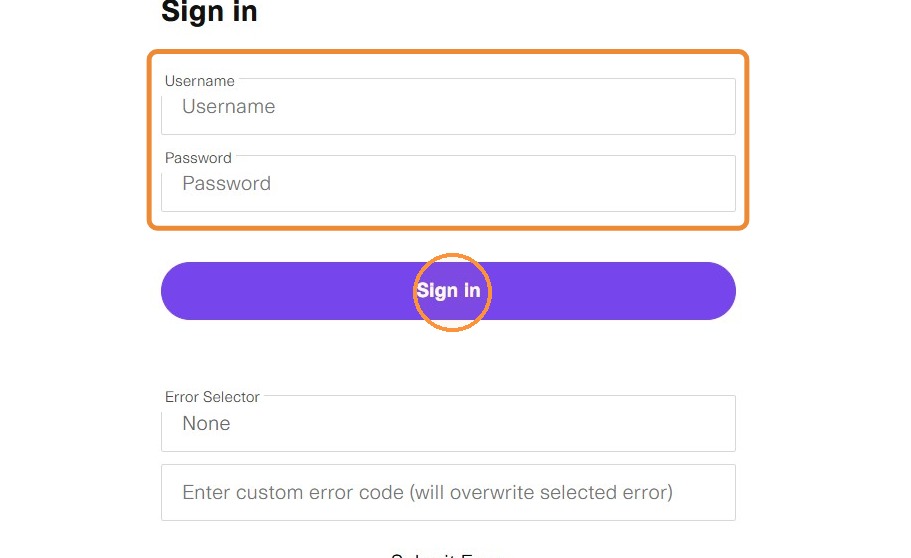
9. Enter your Username and Password > Select Sign In.
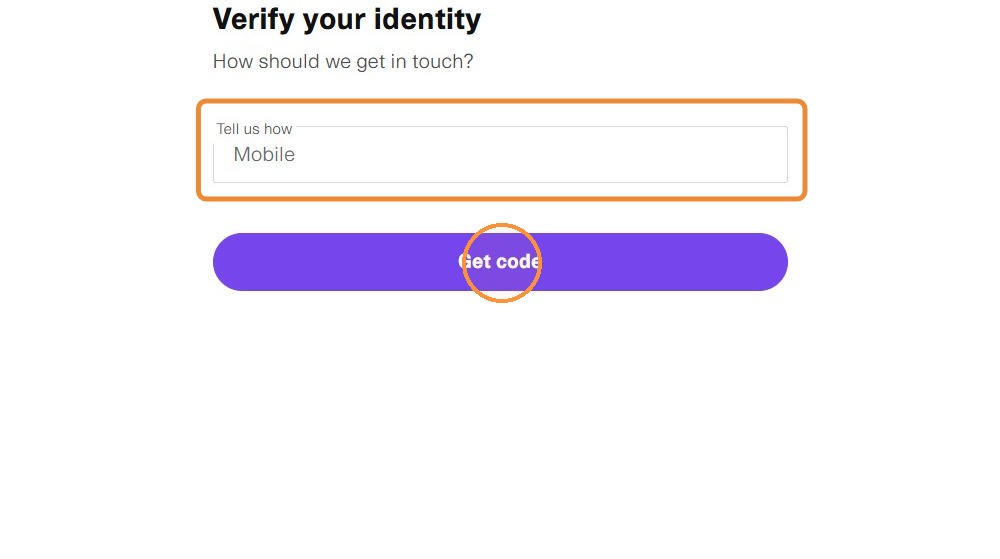
10. Select how to receive code > Select Get Code.
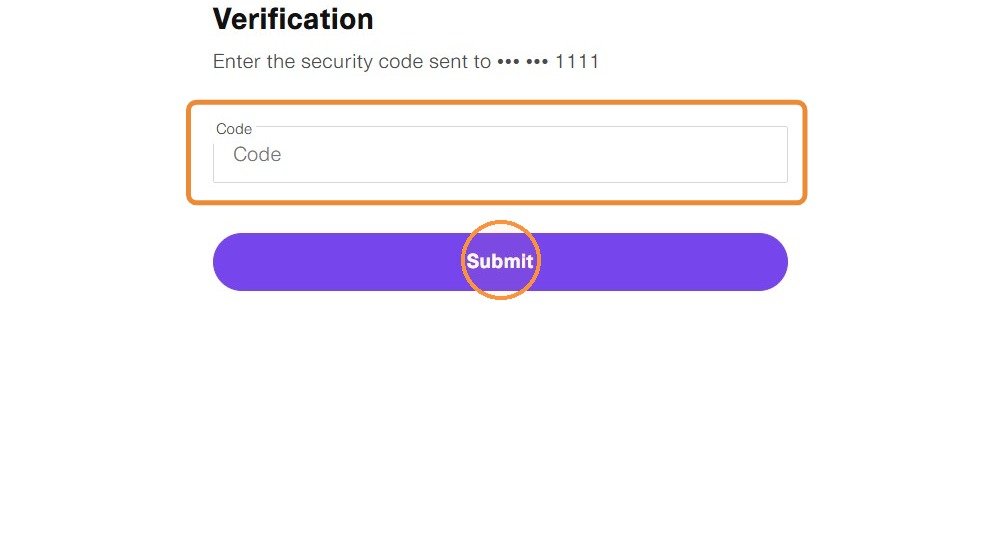
11. Enter the verification code > Select Submit.
12. Select the account to share.
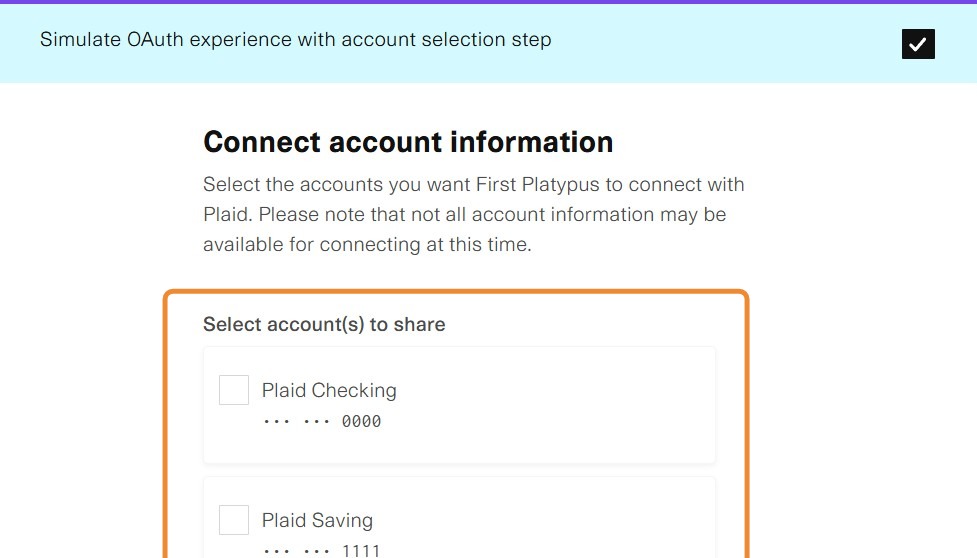
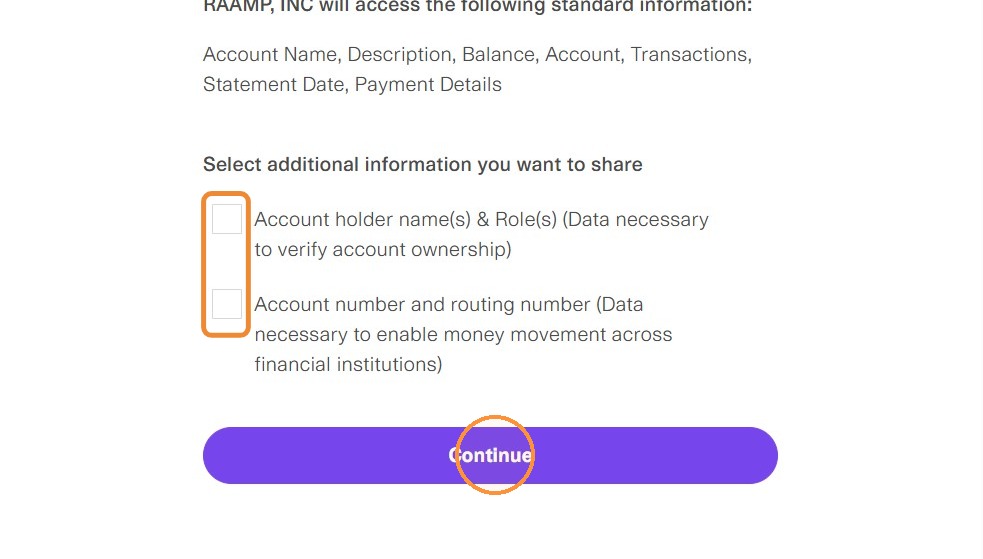
13. Select the checkboxes > Select Continue.
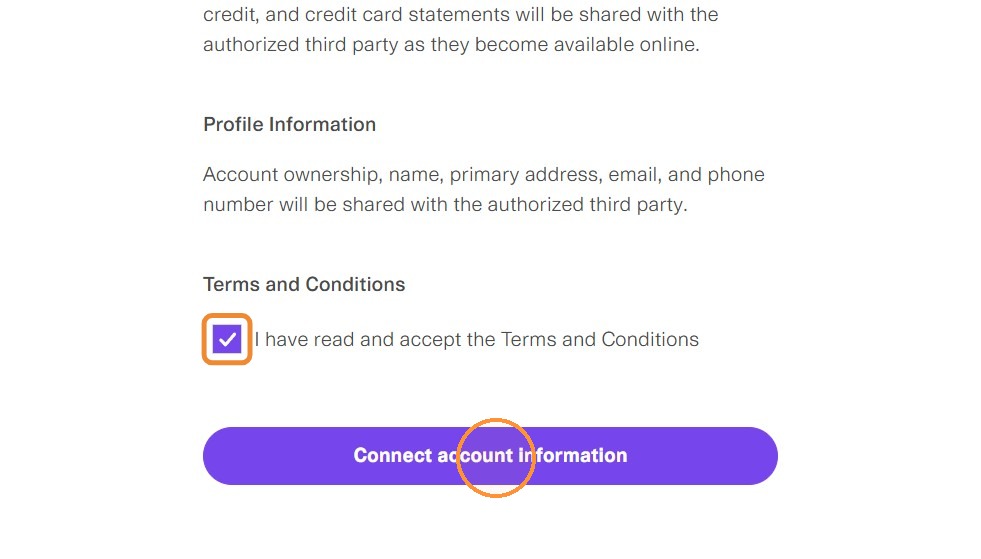
14. Select the I have read and accept the Terms and Conditions checkbox > Select Connect account information.
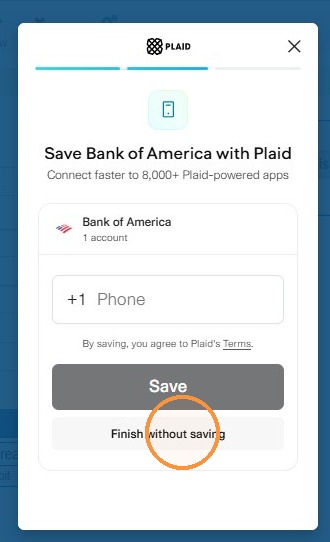
15. Select Finish without saving.
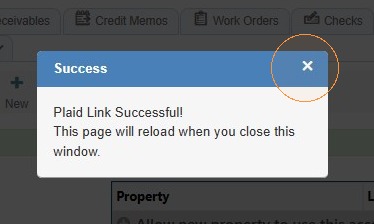
16. You'll receive a Success box > Select the x to exit.
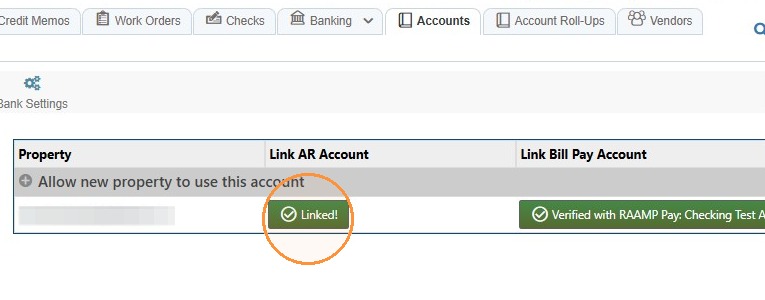
17. The account will show as linked.
How to Link US Bank Account using Account & Routing Numbers
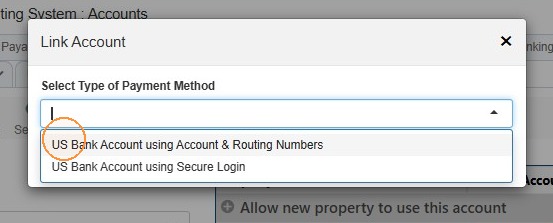
18. Select US Bank Account using Account & Routing Numbers.
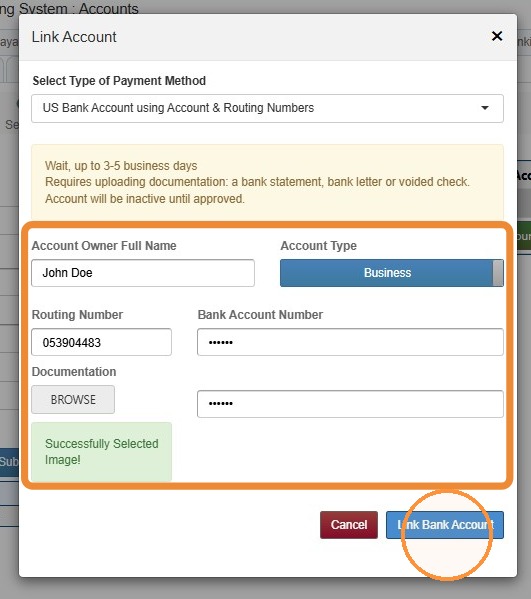
19. Complete the account information > Upload the appropriate documentation > Select Link Bank Account.
Required documentation: a bank statement, bank letter or voided check. Account will be inactive until approved.
Approval takes 3-5 business days.
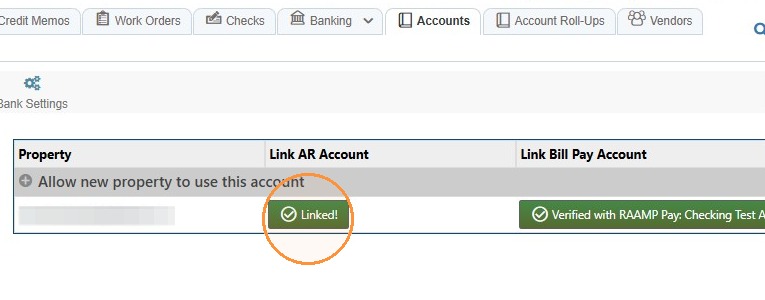
20. Account will be inactive until approval. Once approved, the account will show as linked.
Related tutorial(s):