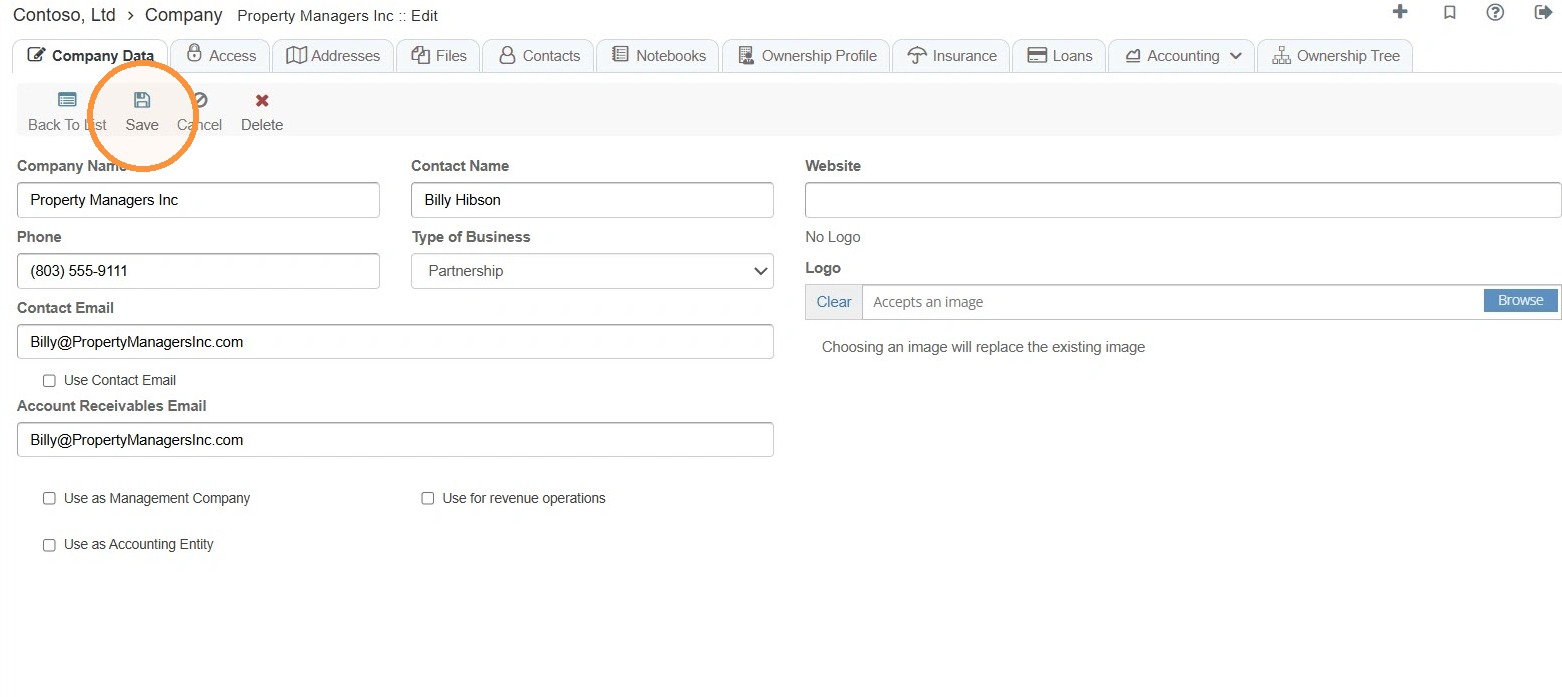
How to Edit Company Information & Logo
This guide quickly shows how to update a company's profile and logo in the system, including where to find the company record and how to save changes. It's useful for anyone who needs to keep company details current, add or replace branding, and complete edits with minimal steps.
How to Navigate to Companies
1. Select Companies > Locate the Company > Select the Edit icon.
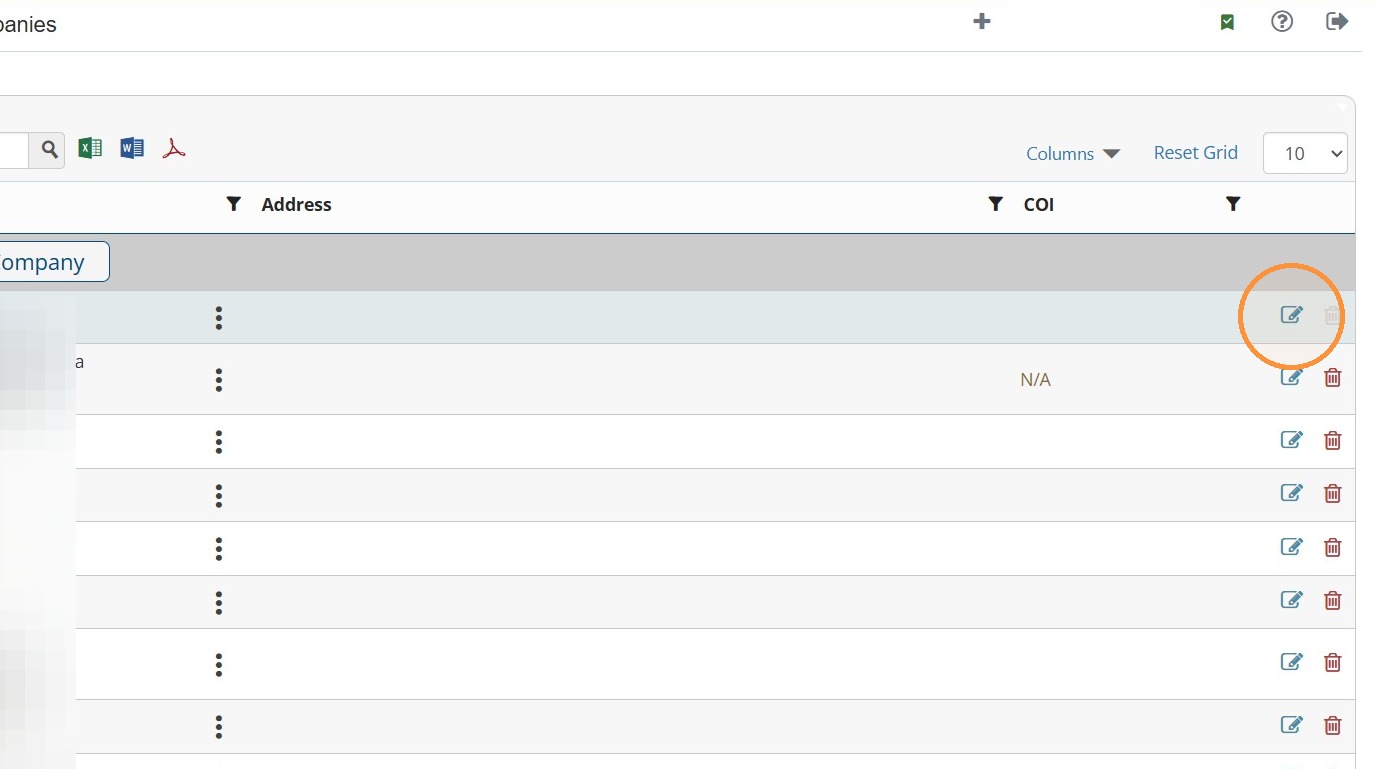
How to Edit Company Information & Logo
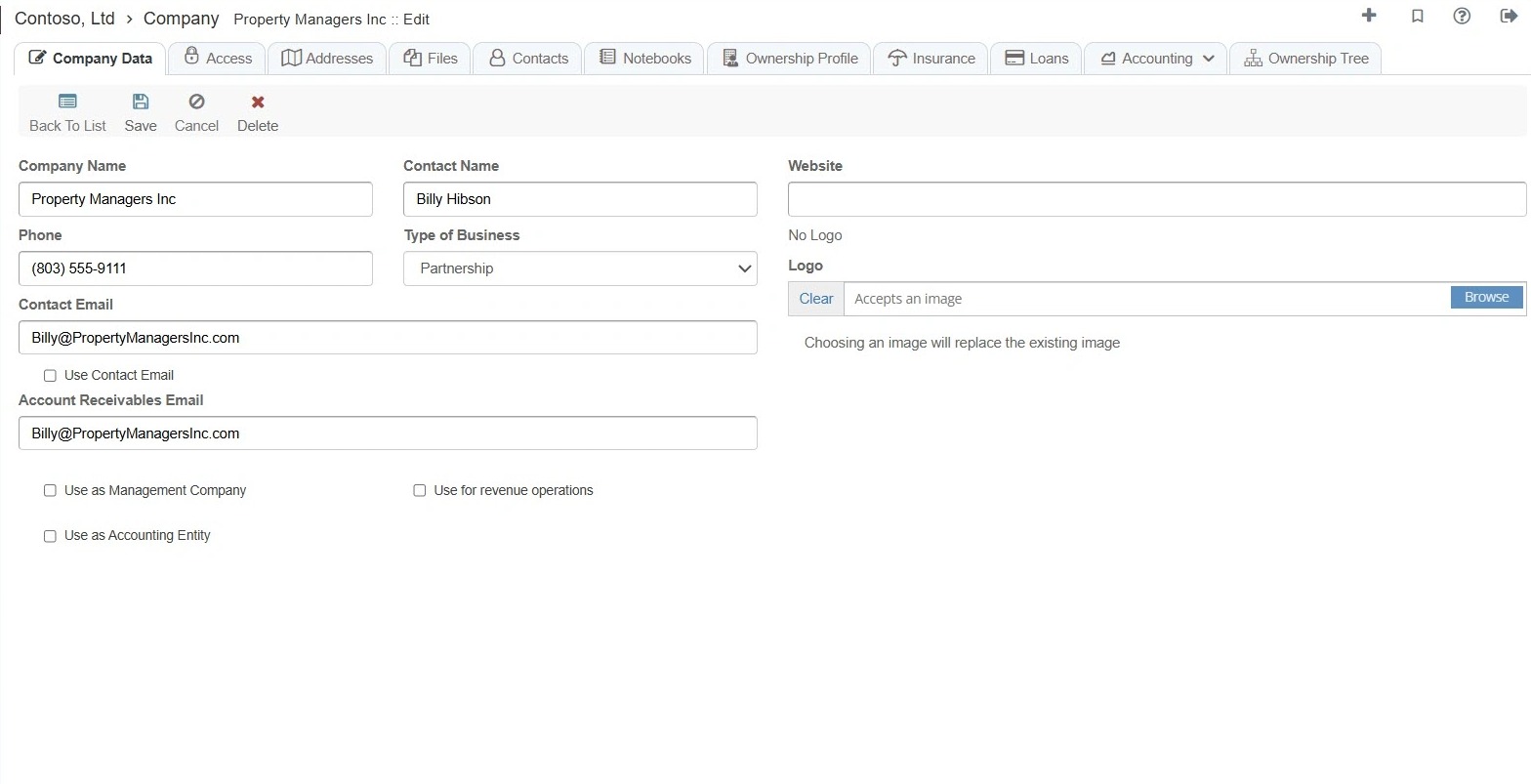
2. Edit the appropriate company information.
Tip:
Management Company - Choose this if the company manages properties. The company becomes available to select as the management company for properties and invoices in RAAMP. This allows RAAMP to use the company’s information, such as its logo and contact details, on associated invoices.
Accounting Entity - Choose this option when you need to manage the accounting for a specific entity. This allows you to perform accounting for a company in the same way you would for a property.
Revenue Operations - This option is applicable solely to franchisors who wish to collect revenue from their franchisees.
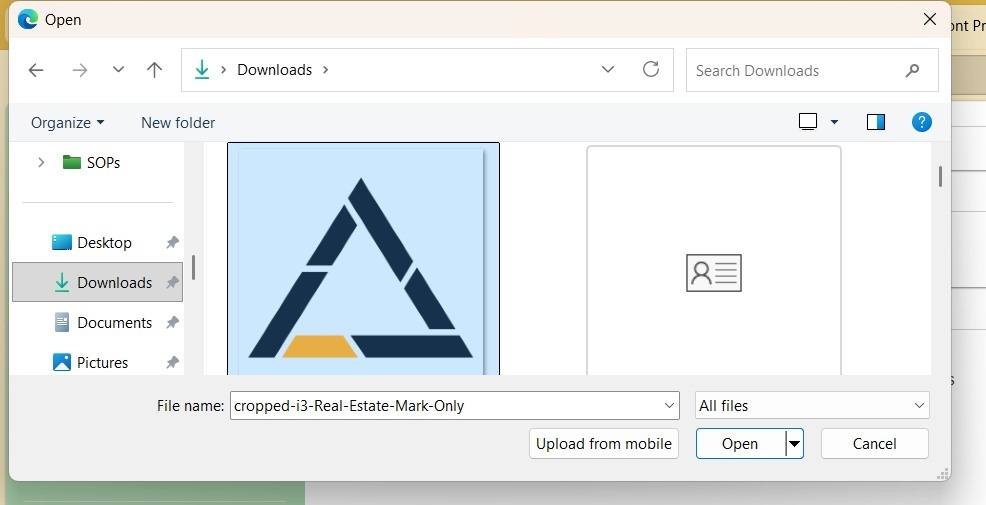
3. To add a logo, select Browse.
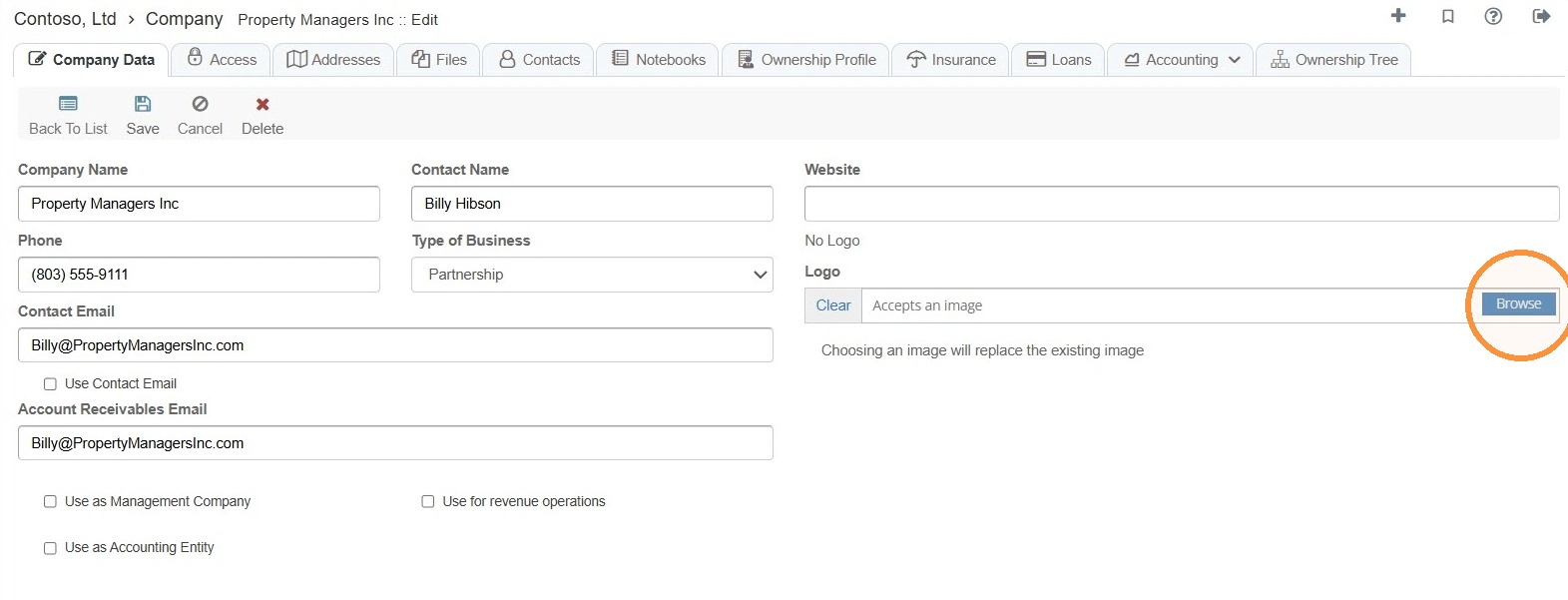
4. Select the file from your computer.
5. Select Save.