How to Adjust/Remove a Credit Memo from a Deposited Payment
This guide shows how to safely remove a deposited credit memo, correct the payment amounts, and re-deposit it so records and balances stay accurate. It walks you through locating the deposited payment, deleting the original deposit, adjusting the credit memo and payment fields (ensuring Entered and Applied Amounts match), and adding the corrected payment back to deposits. Follow it to avoid reconciliation errors and preserve audit trail visibility.
How to Locate Received Payment with Credit Memo
1. From the navigation menu, select Accounting > Banking > Receive Payment.
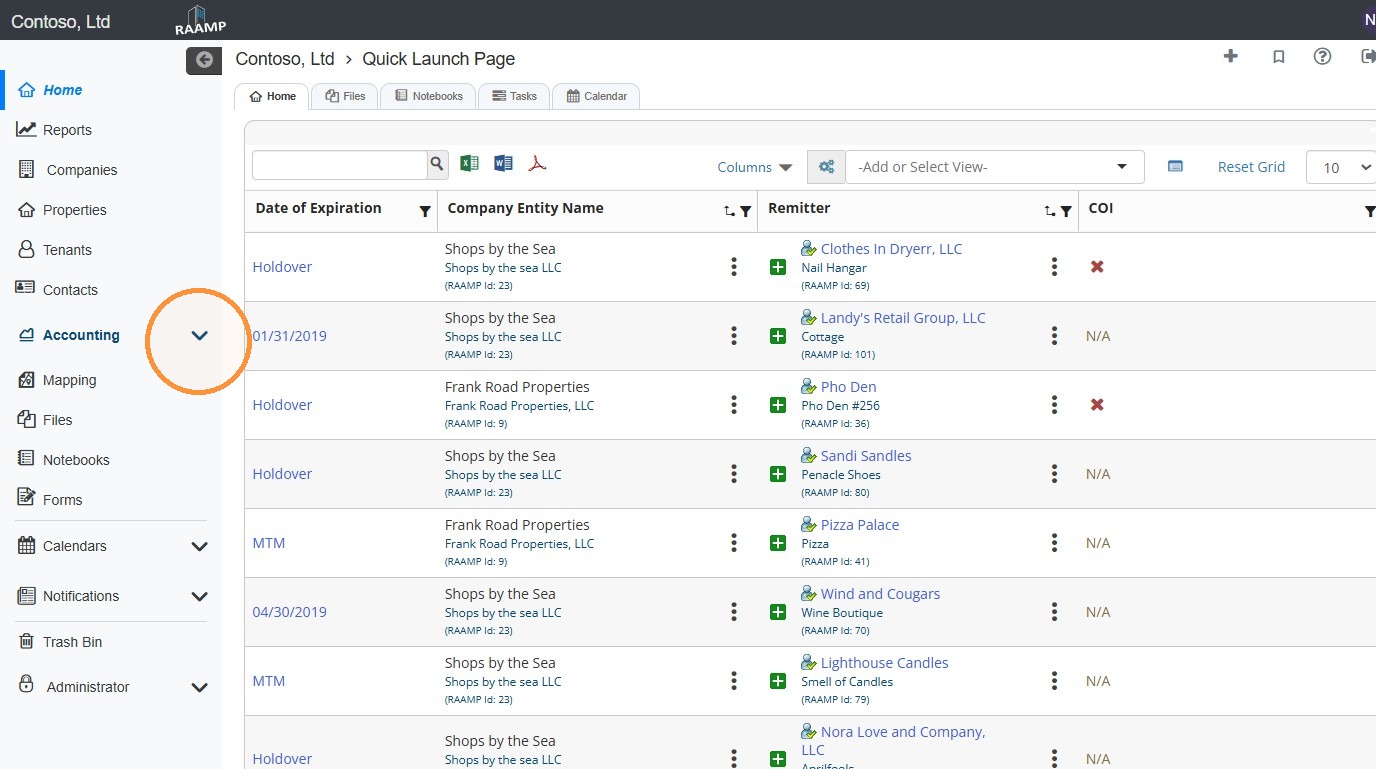
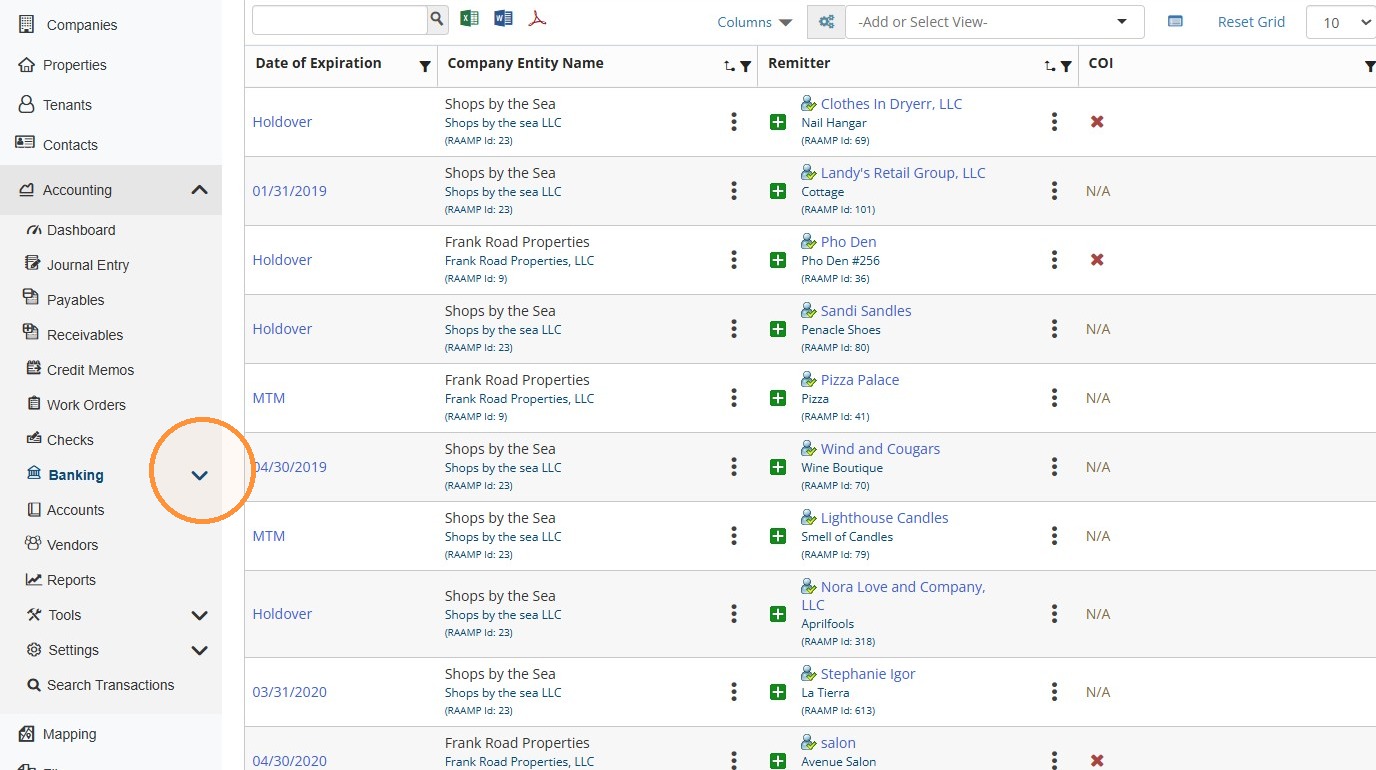
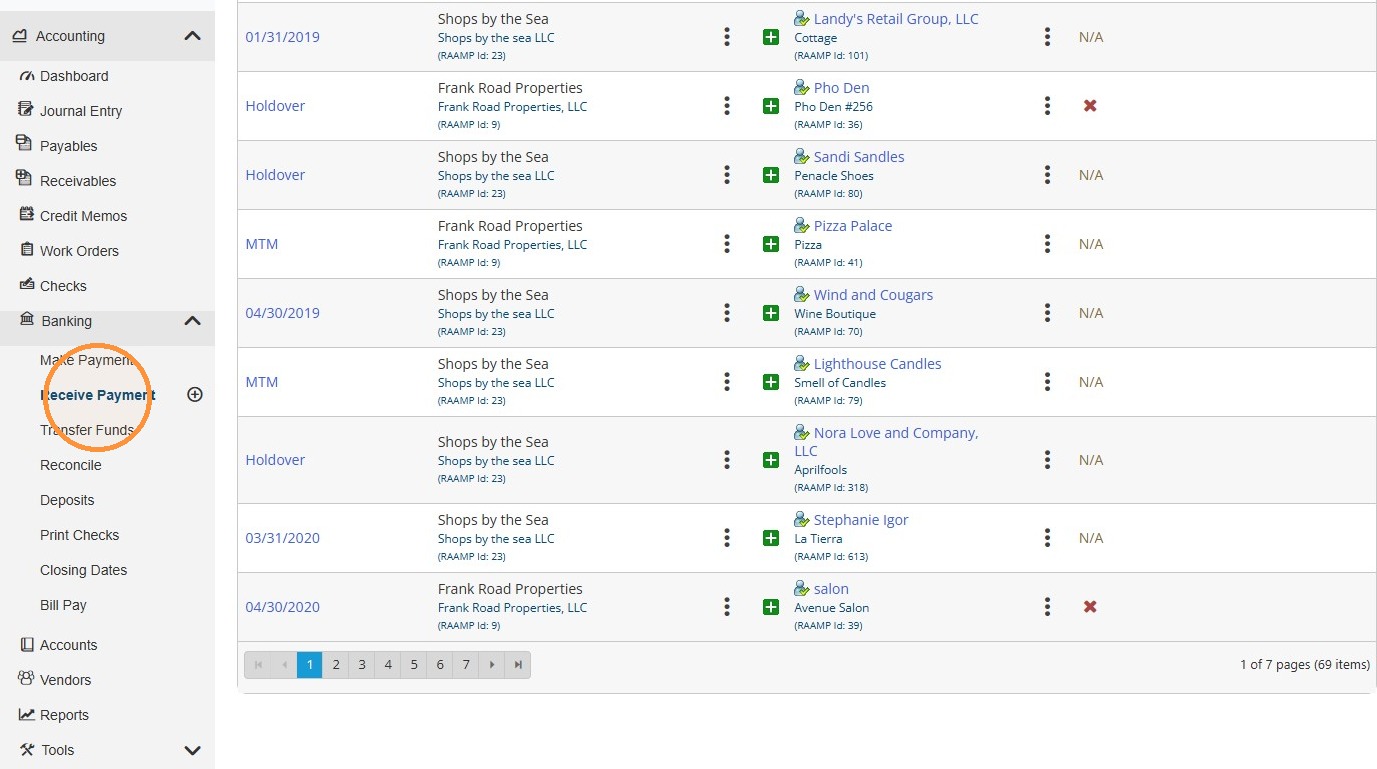
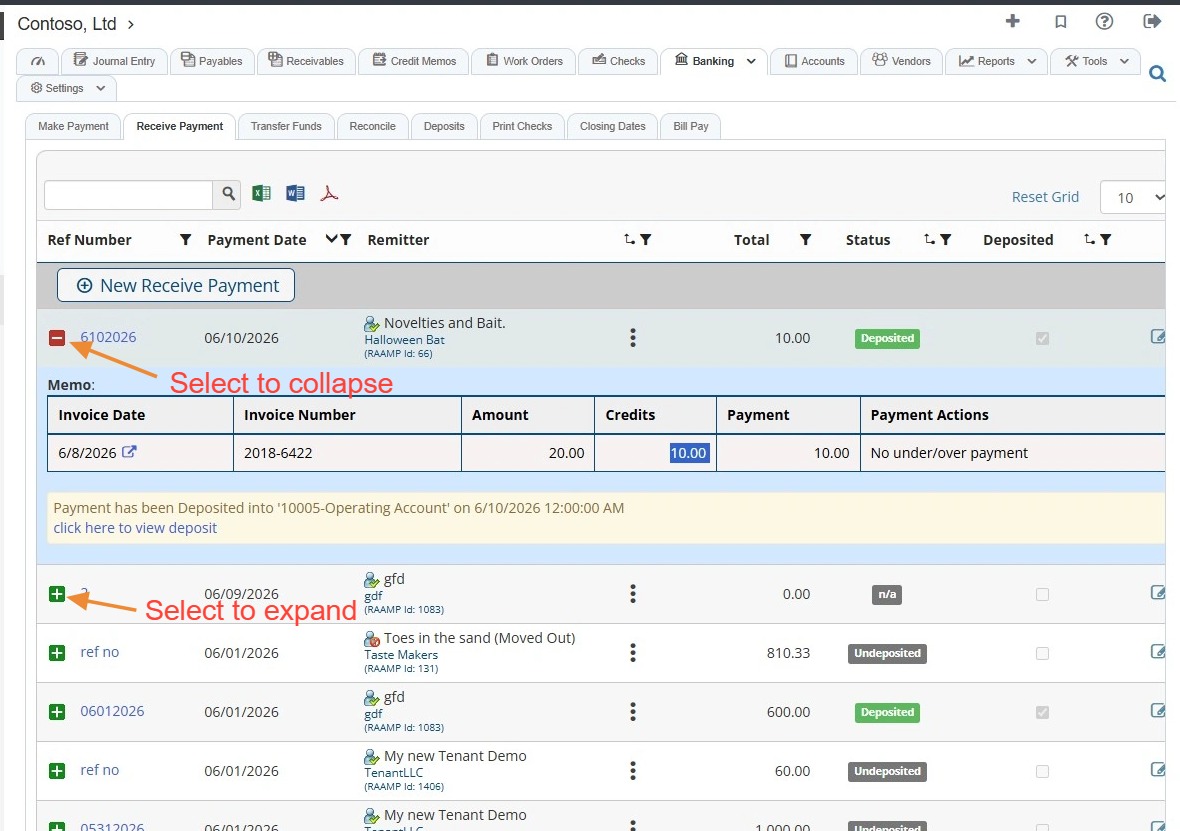
2. Locate the Ref Number for the deposited payment > Select the Edit icon.
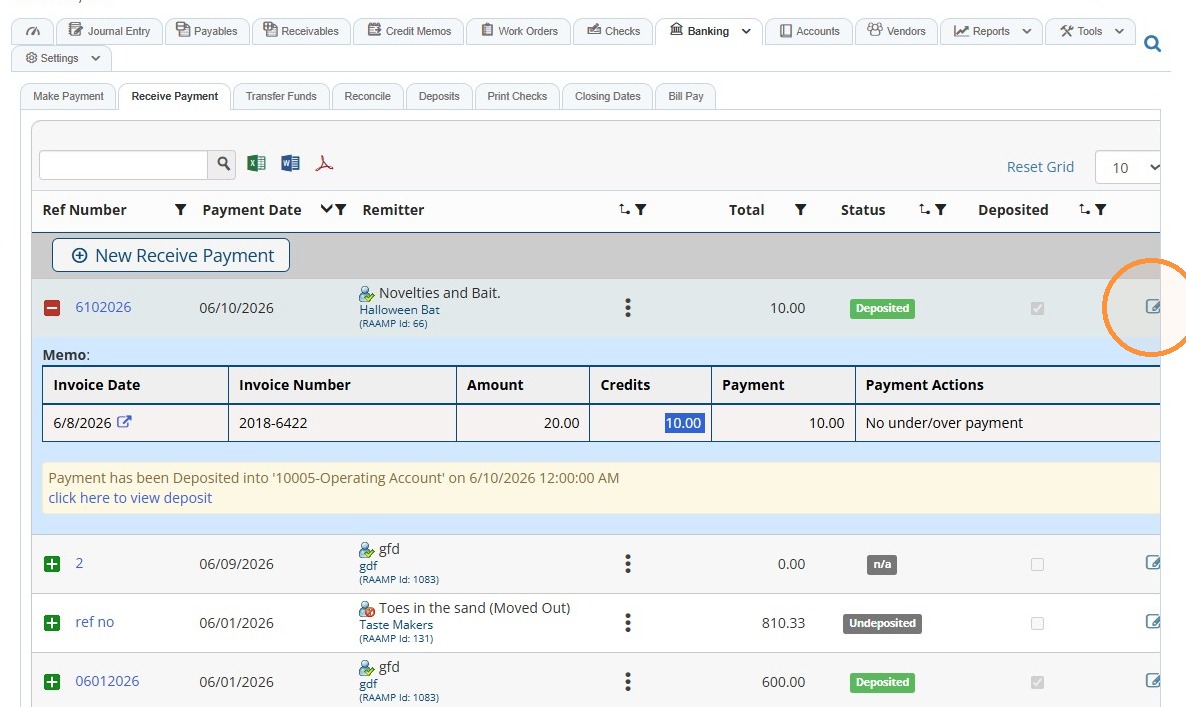
Tip: Select the green + icon to expand the payment and view more details.
Select the red - icon to collapse the payment details.
3. You'll notice limited editing options because the payment has been deposited.
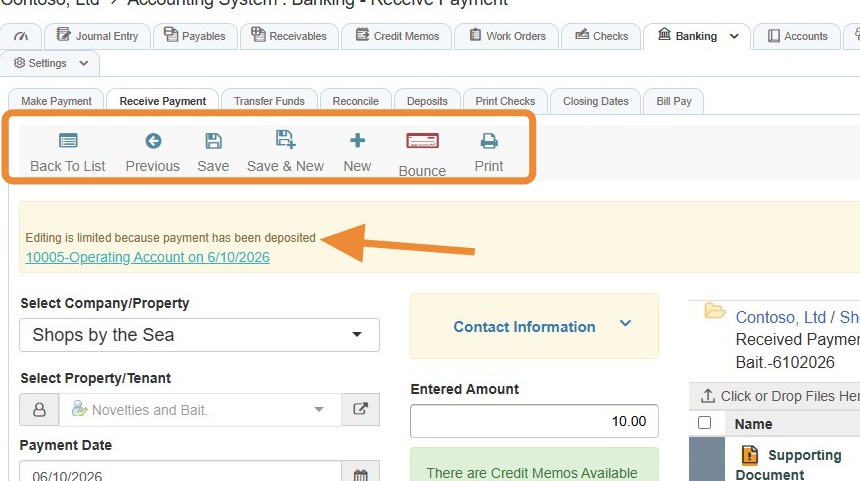
Alert: You will need to remove the deposit to adjust/edit the received payment.
If the payment has not been deposited, you'll have editing capabilities.
How to Remove the Deposit
4. Select the hyperlink to view the deposit.
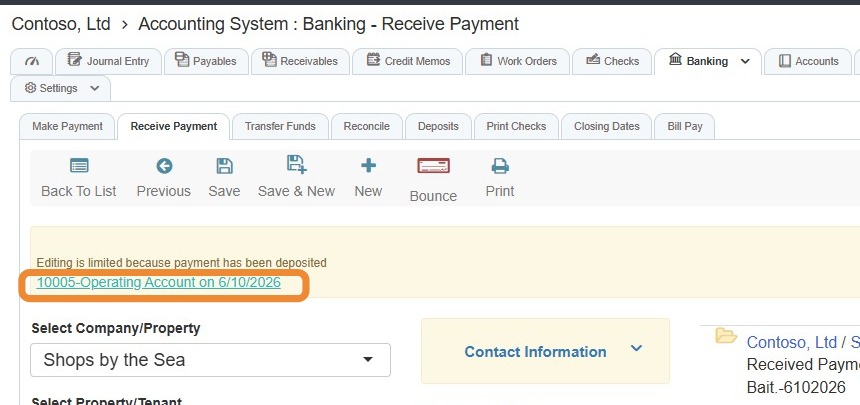
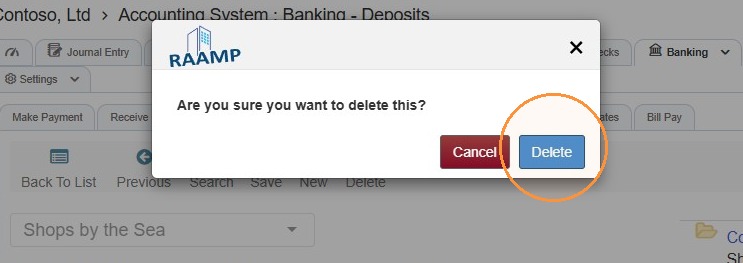
5. Select Delete.
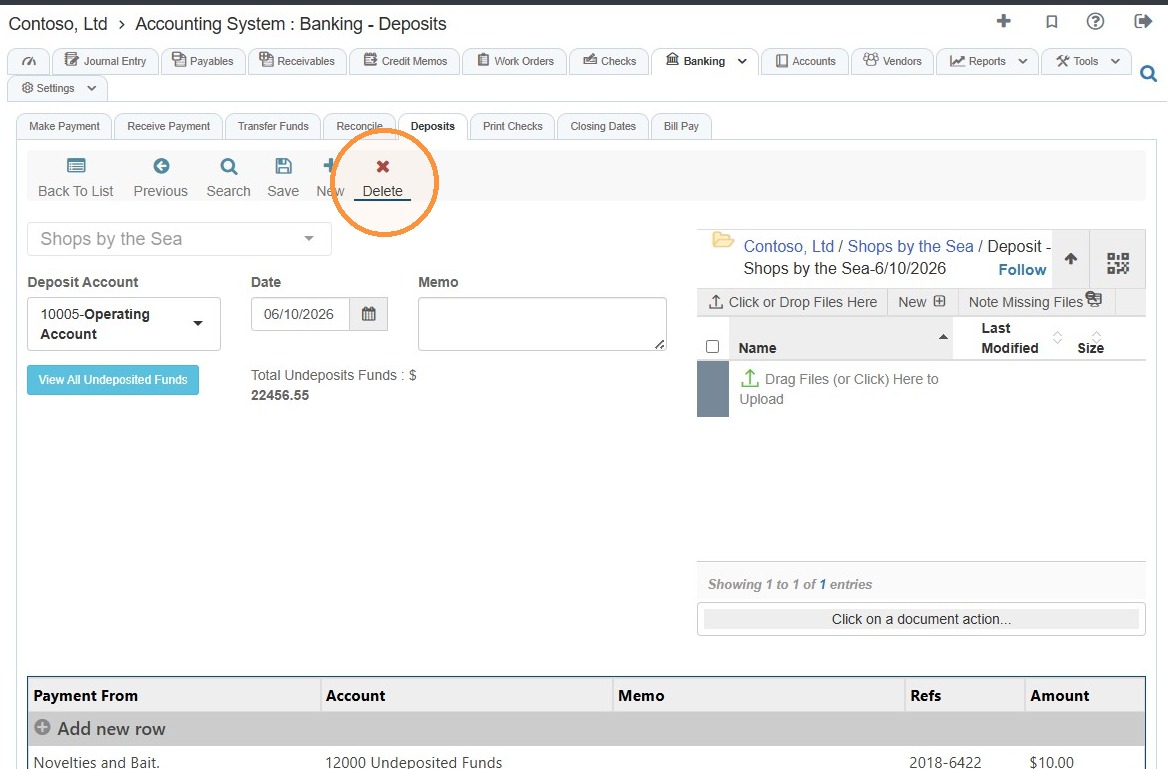
6. Select Delete.
Payment Correction and Re-deposit
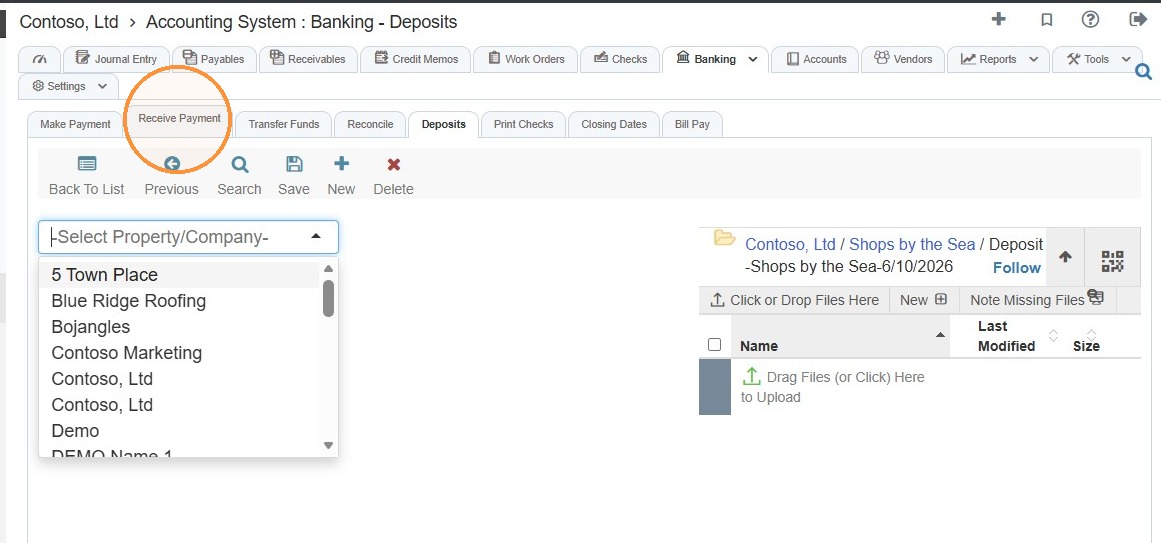
7. Navigate back to the Receive Payment tab.
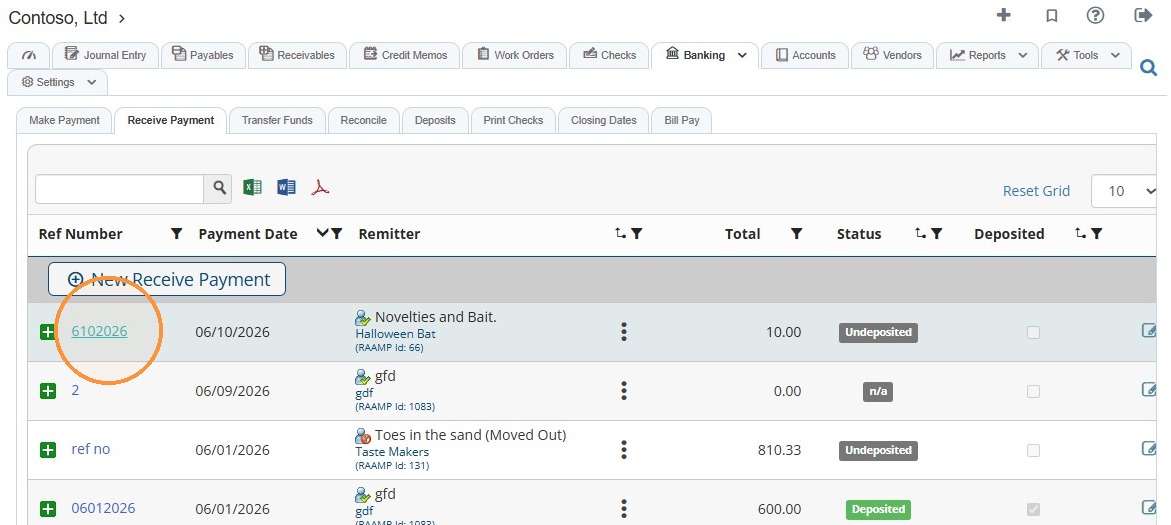
8. Select the payment.
Tip: From here, you can remove the credit memo.
9. Locate the payment in the chart > Select the Credit Memo box > Enter the correct amount.
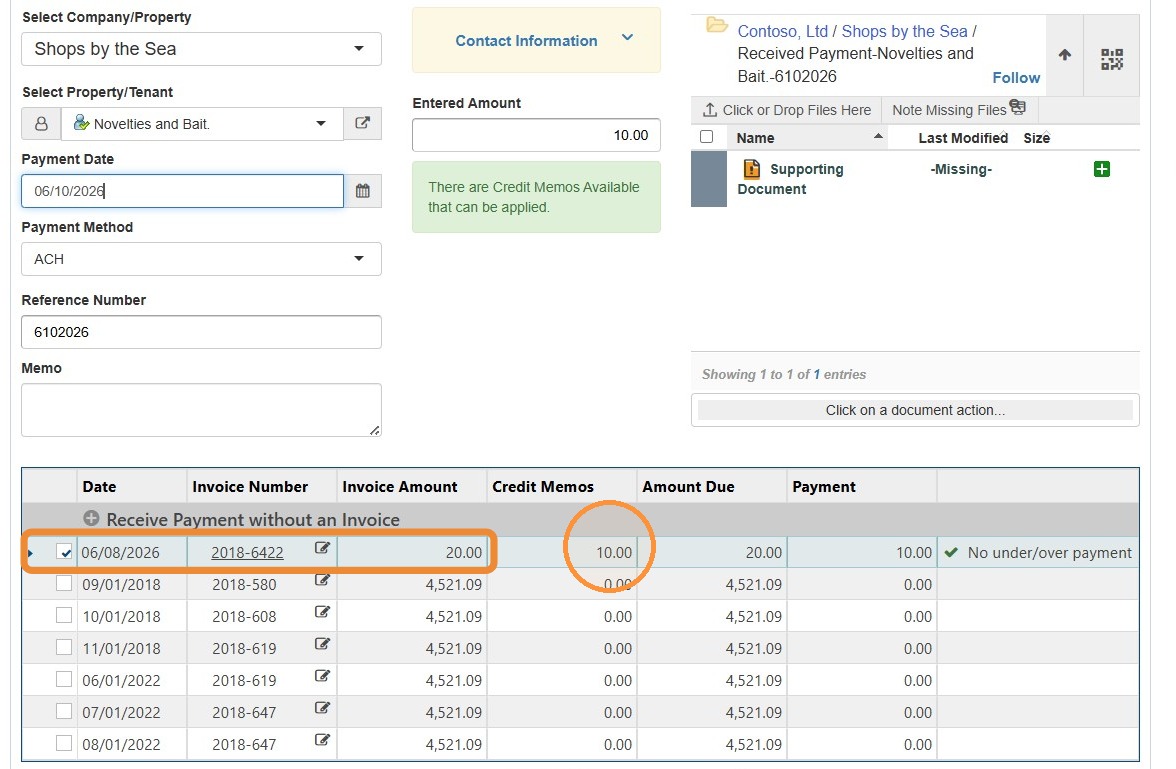
10. Select the Payment box > Enter the correct amount > Select Save.
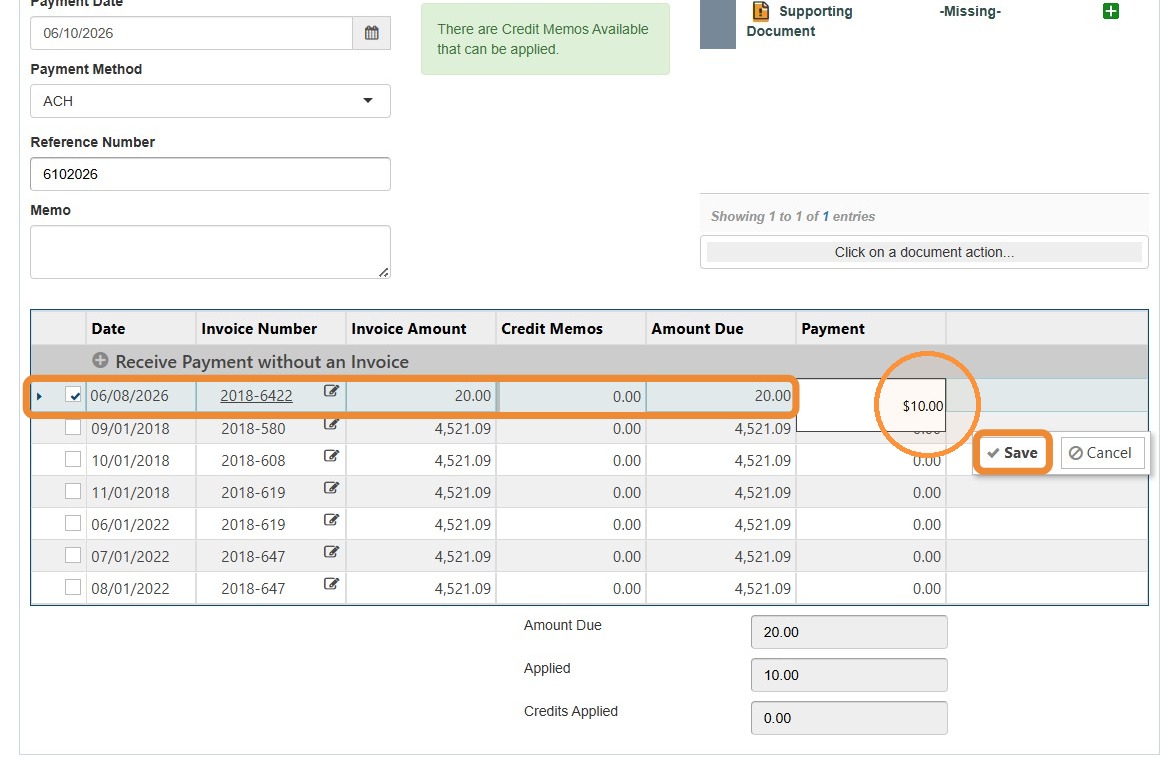
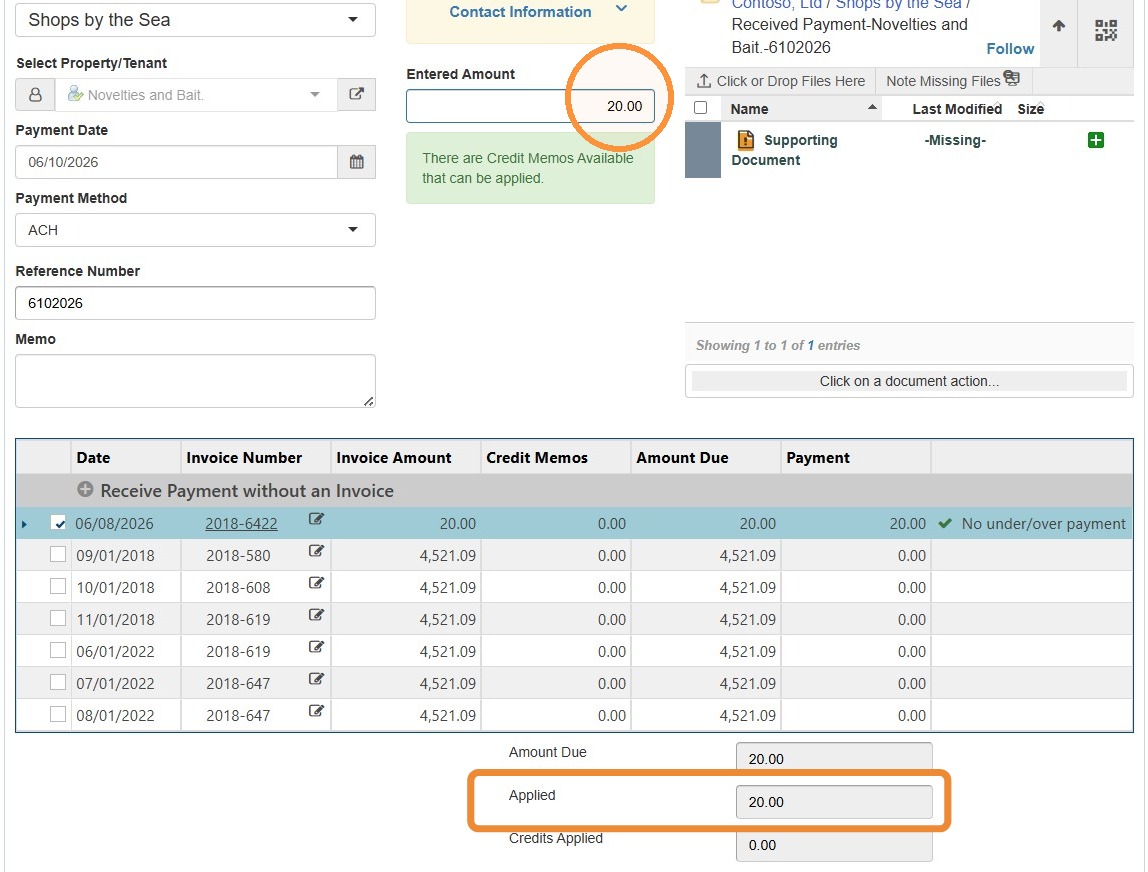
11. Select the Entered Amount field > Enter the applied amount.
The Entered Amount and Applied Amount fields must match.
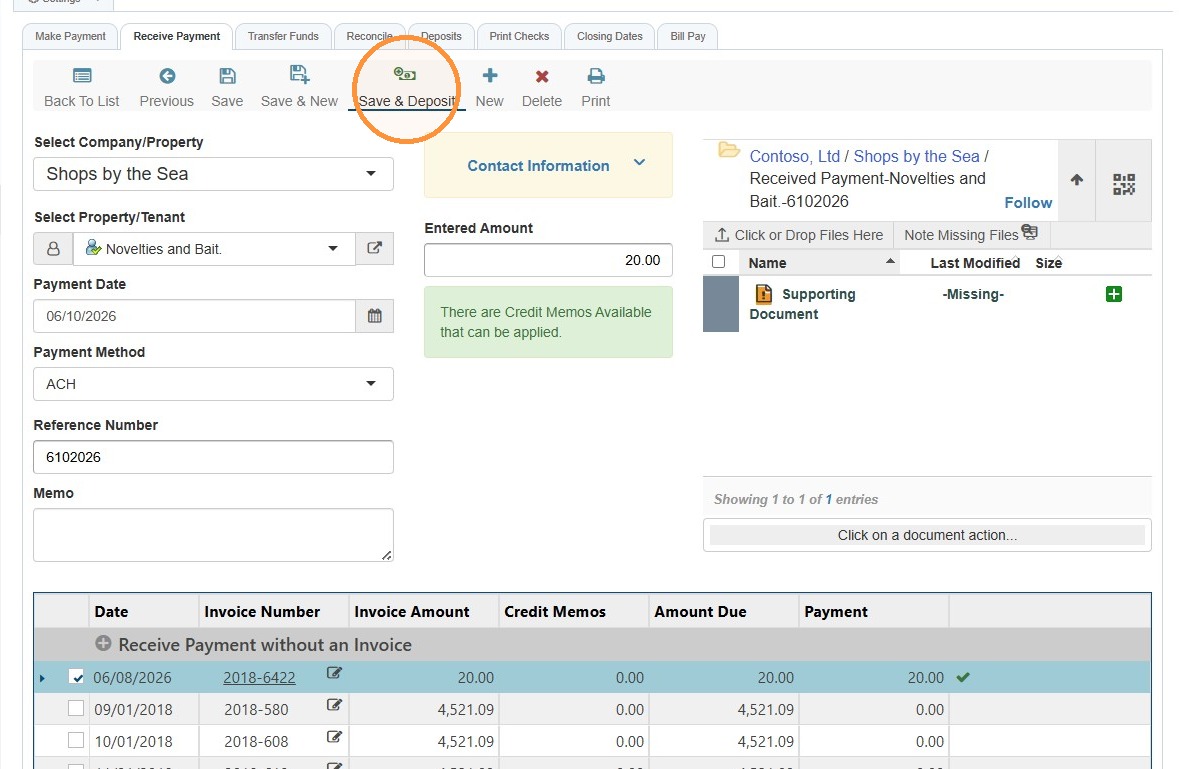
12. Select Save & Deposit to finalize the changes.
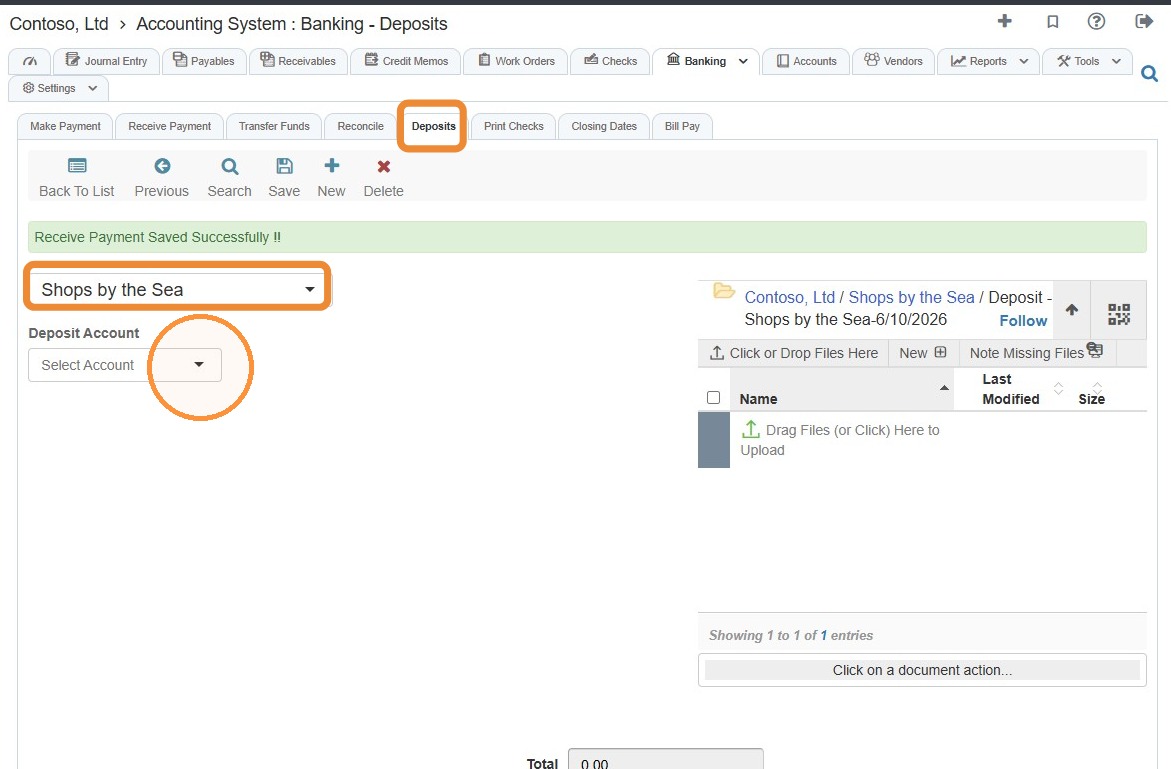
13. You'll be automatically routed to the Deposits tab.
The Property/Company will auto-populate.
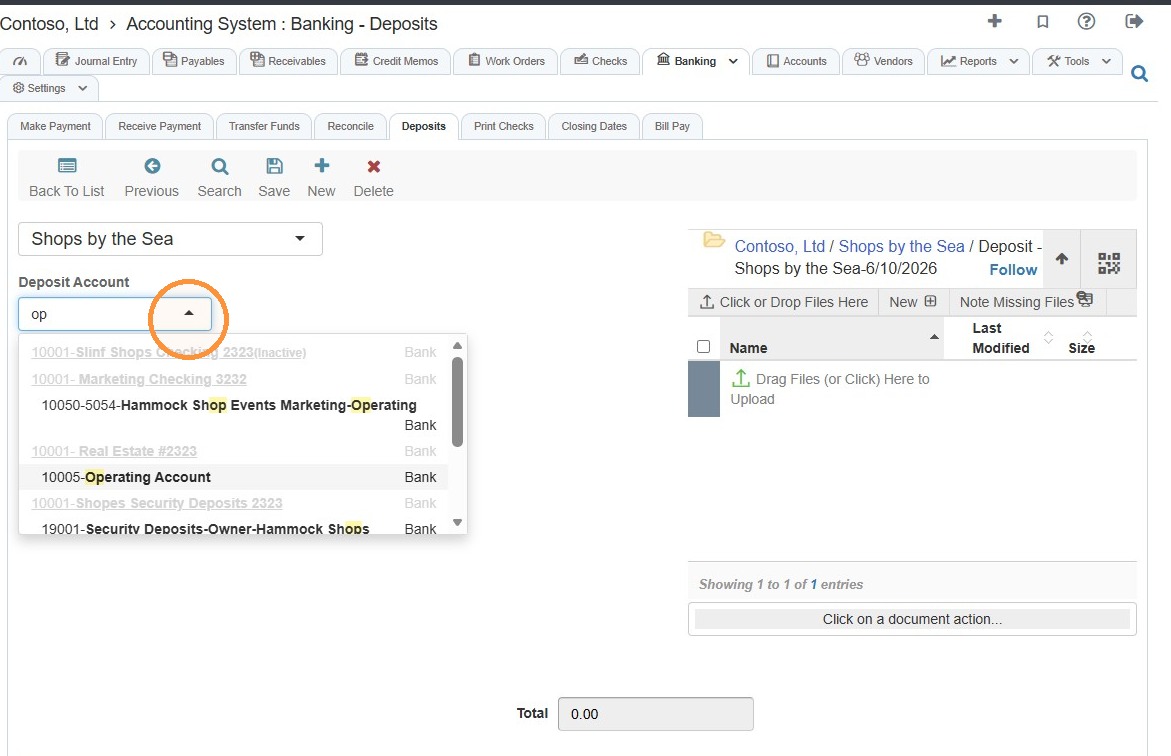
Select the Deposit Account from the dropdown menu.
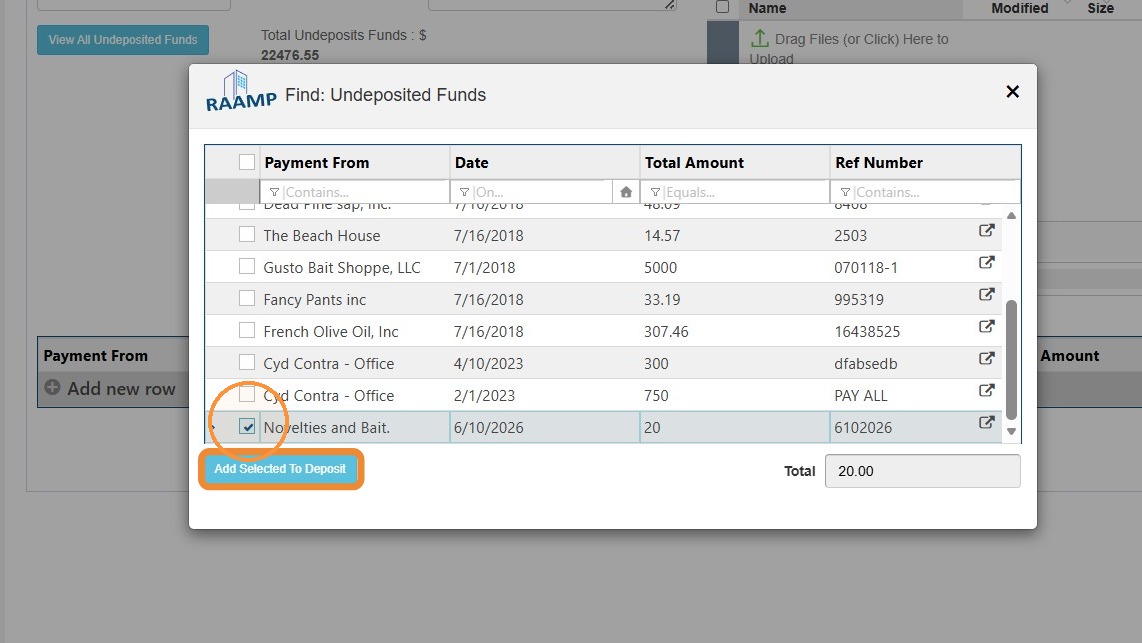
14. Select the correct payment from the Undeposited Funds list > Select Add Selected to Deposit.
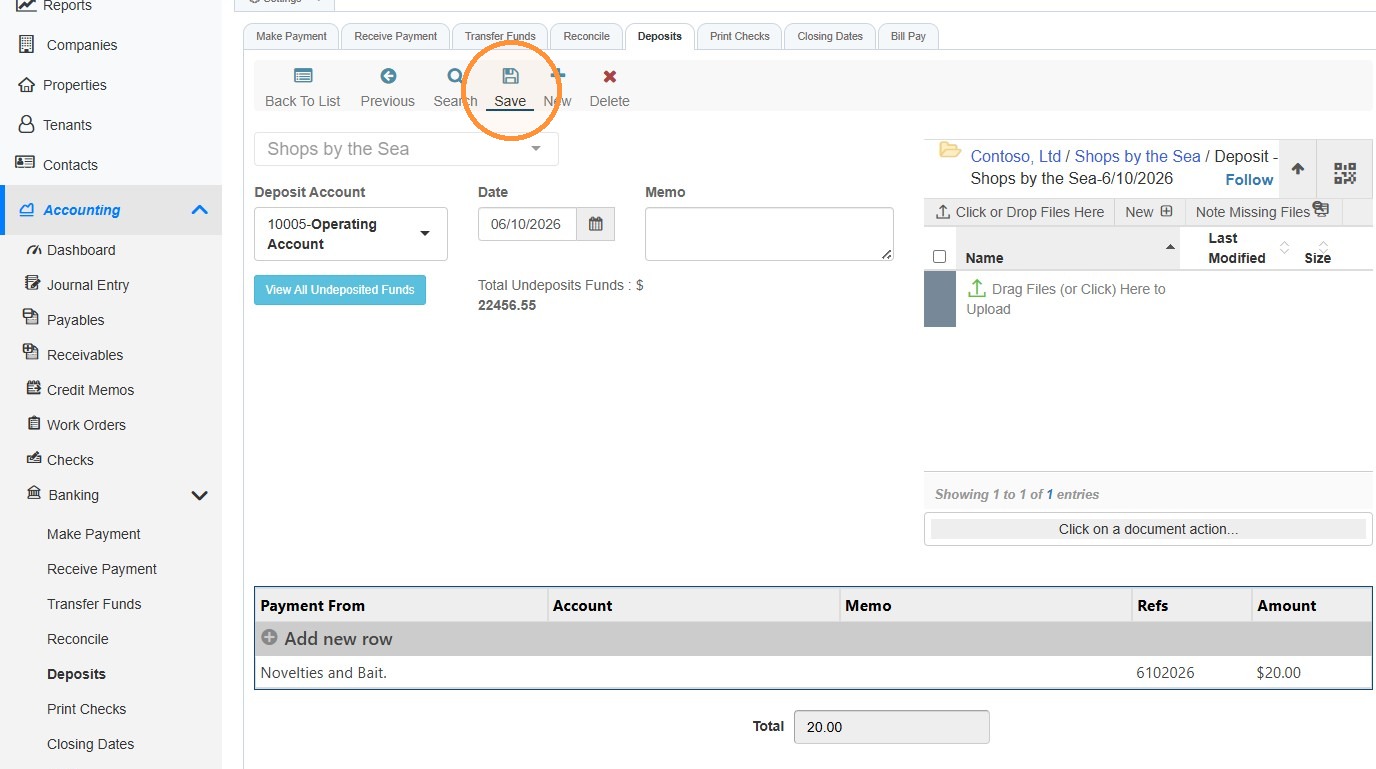
15. Select Save.
16. Select Back To List to return to the Deposits view.
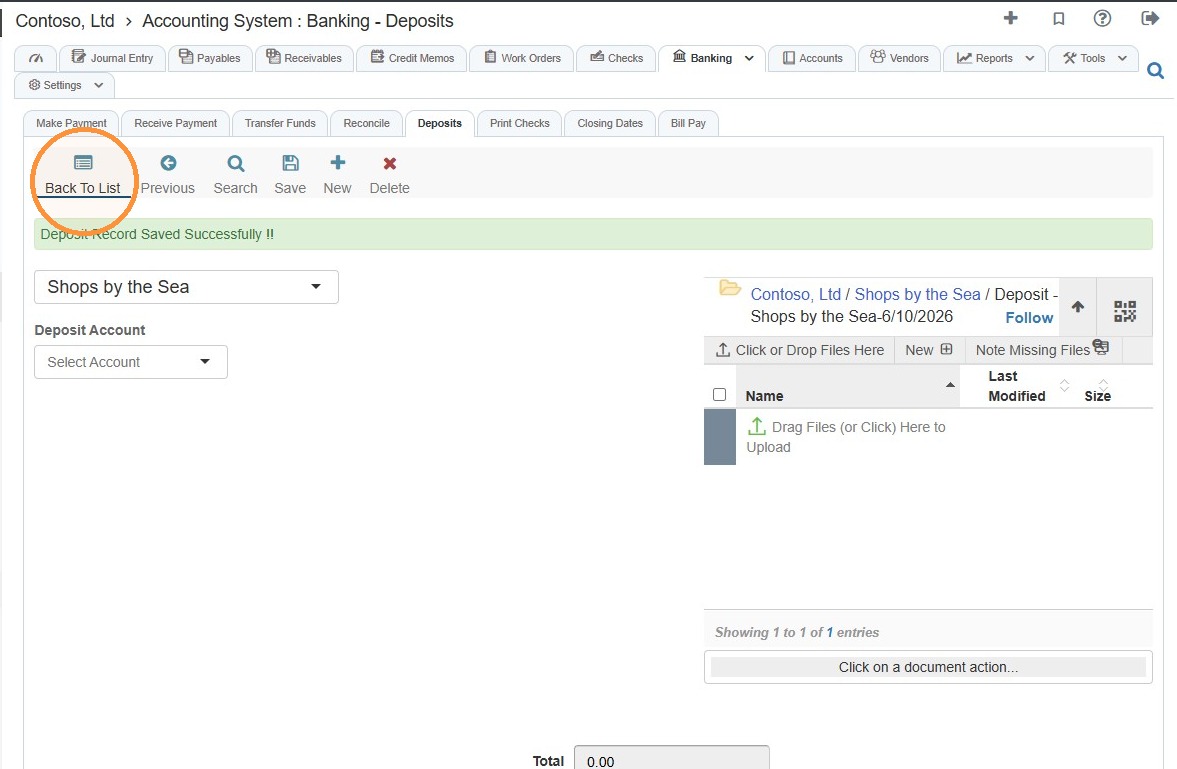
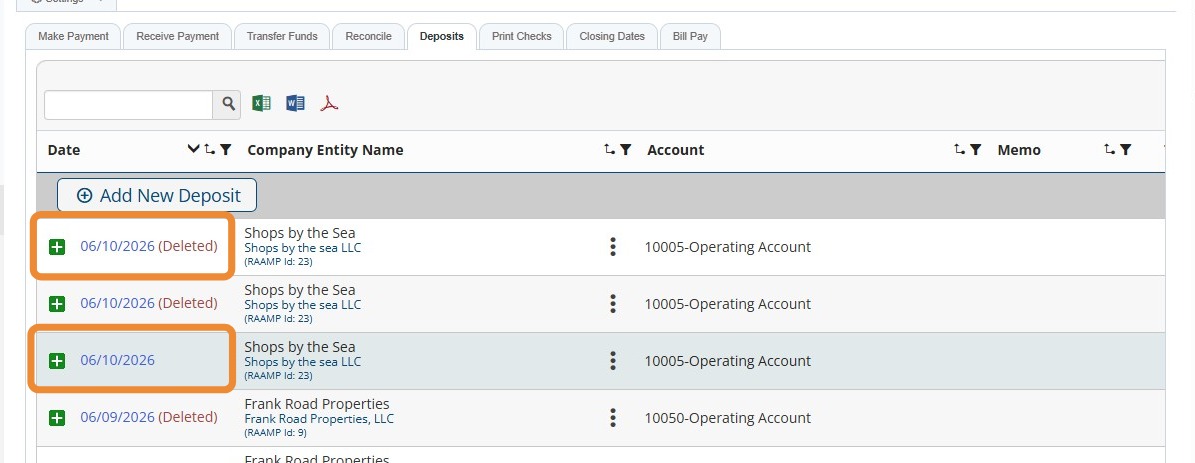
17. You can view the deleted deposit and the corrected deposit.
Related tutorial(s):