How to Add a Company as an Accounting Entity and Active Vendor
This guide shows how to create a company record that doubles as your accounting entity and is set up for both accounts receivable (as a management company) and accounts payable (as an active vendor). Following it ensures the new company is properly classified for billing and vendor payments so transactions post correctly. It’s a quick checklist to avoid setup mistakes.
How to Add a New Company as Accounting Entity and Active Vendor
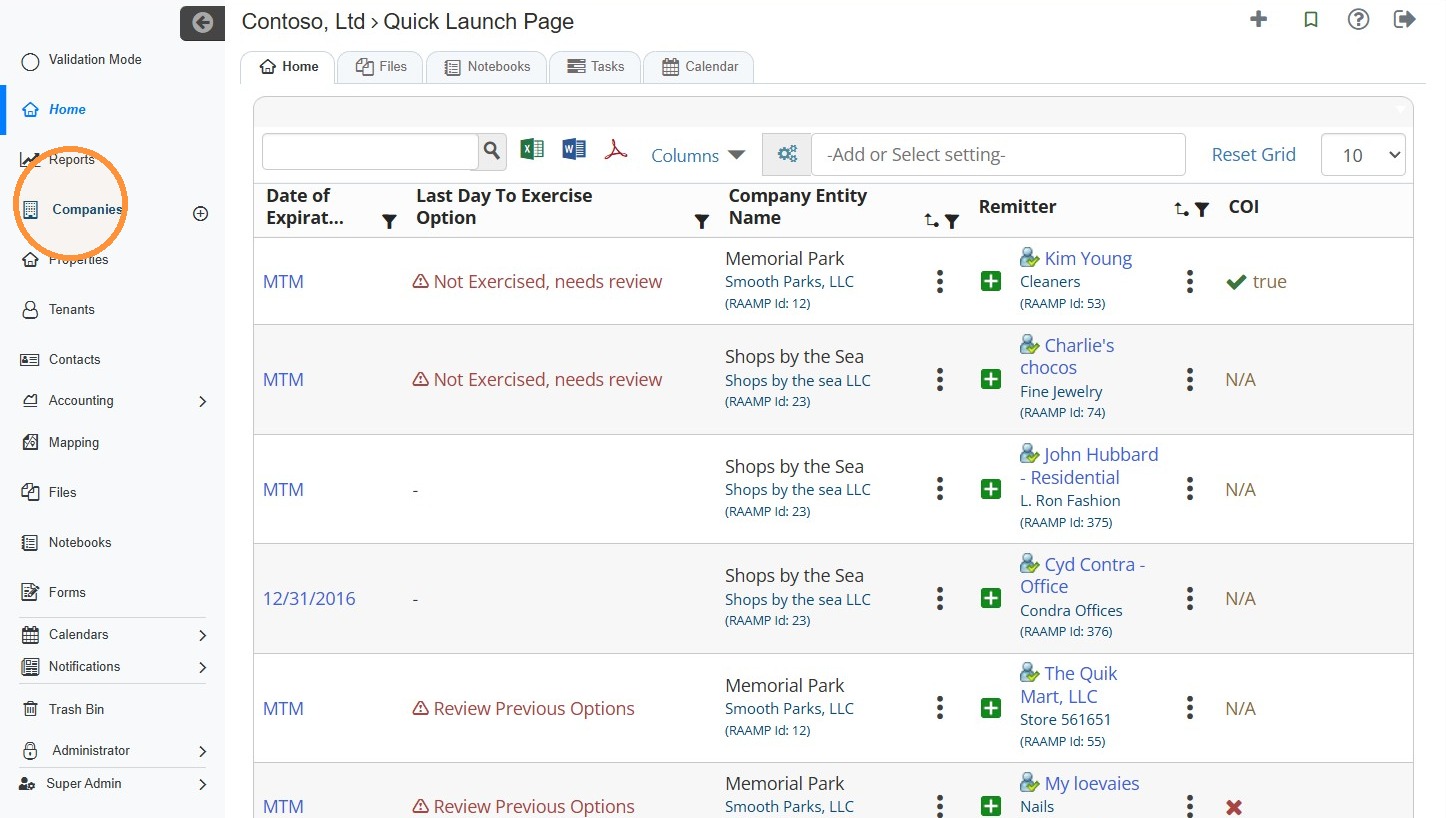
1. From the navigation menu, select Companies.
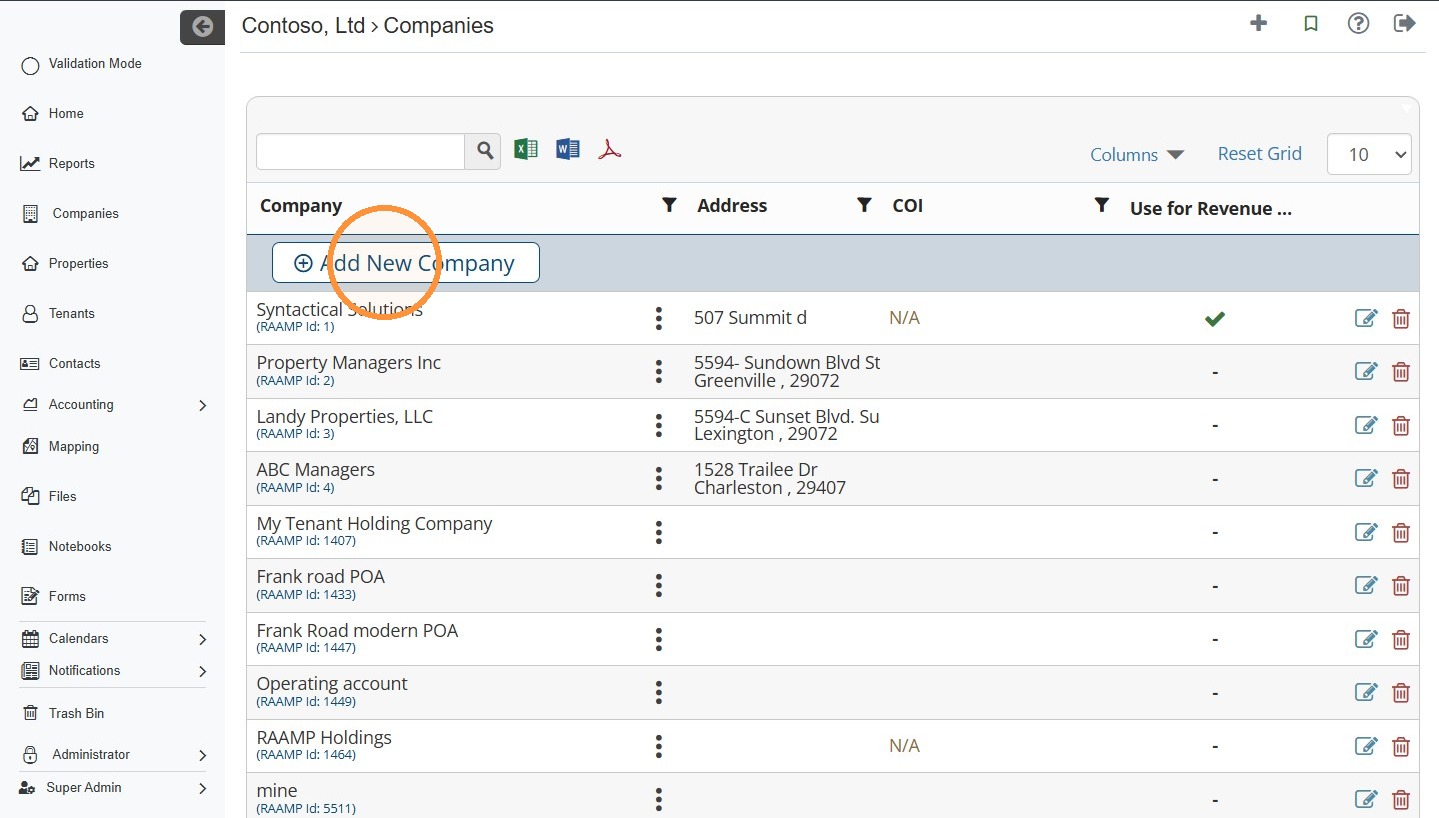
2. Select Add New Company.
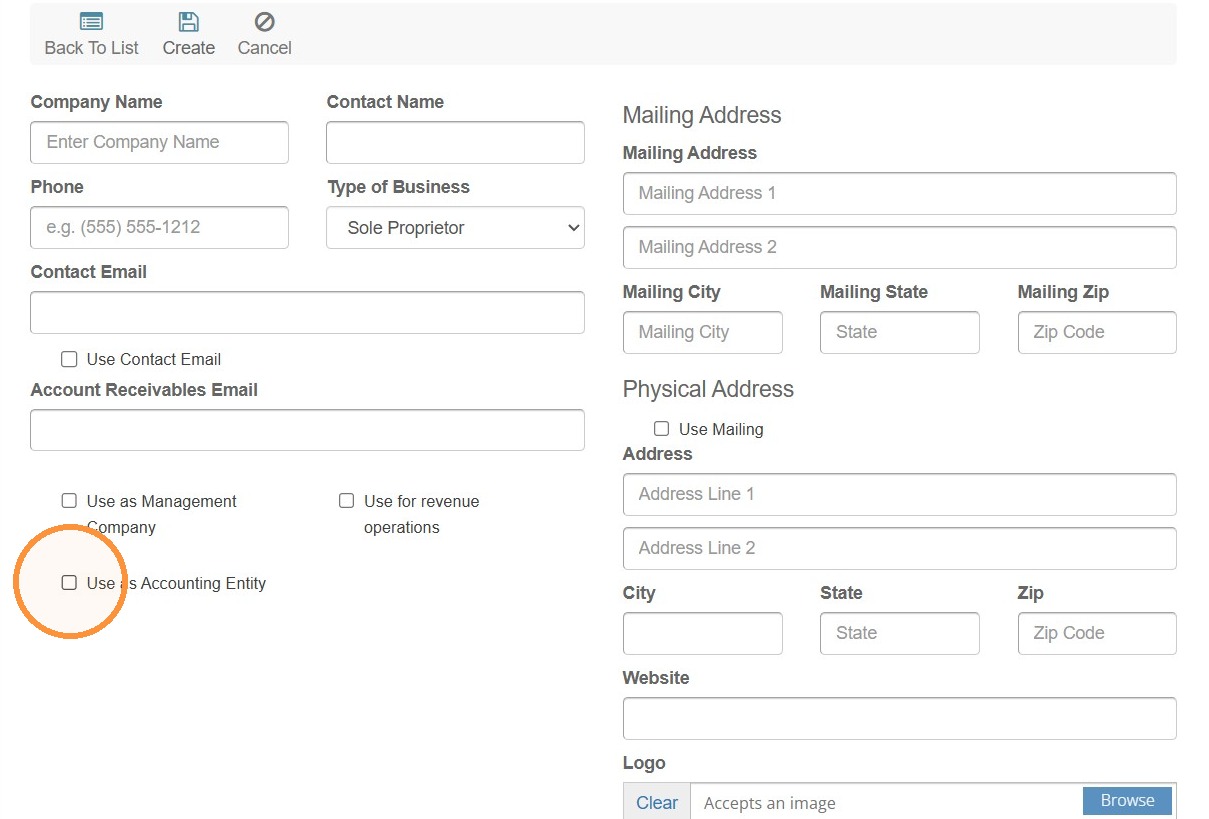
3. Complete the company information > Select the Use as Accounting Entity box.
4. Select Management Company from the Default AR Type dropdown menu.
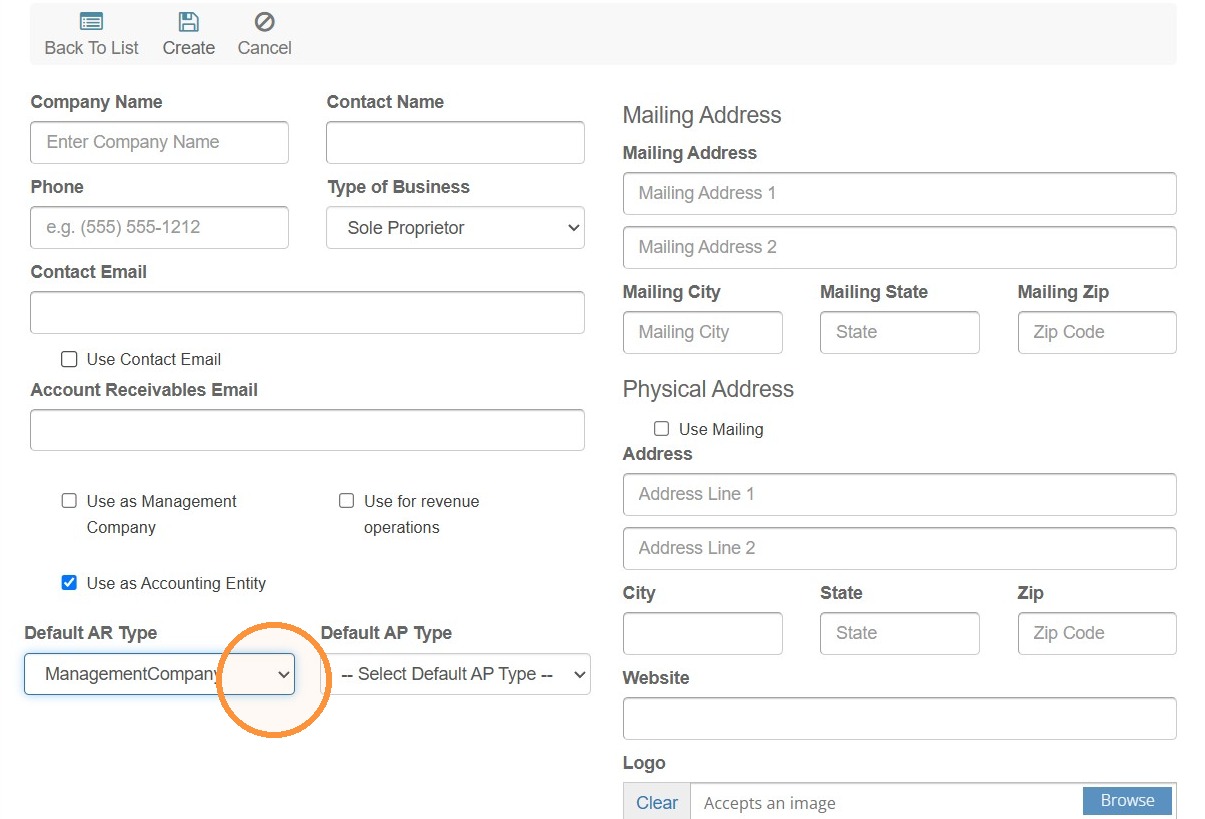
5. Select Active Vendor from the Default AP Type dropdown menu.
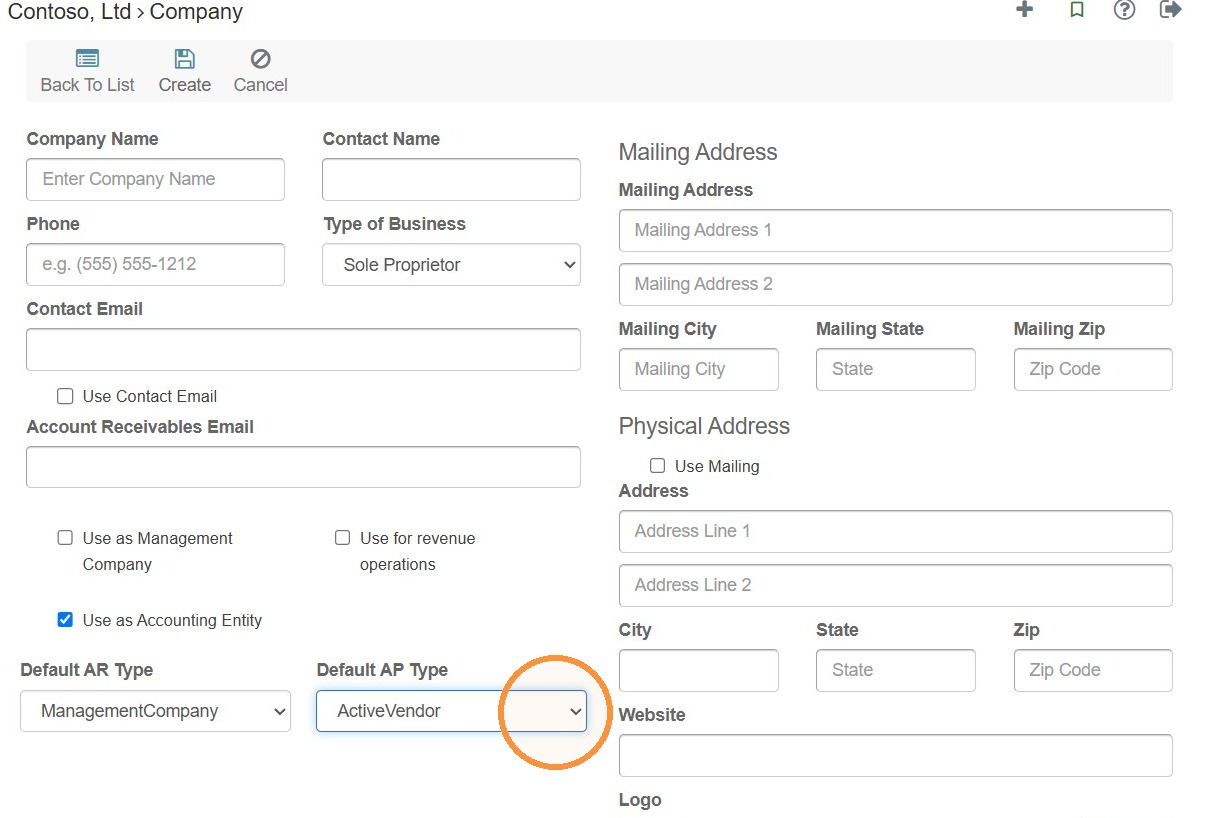
Tip: - Default AR Type: Who the company usually receives payments from, such as tenants. - Default AP Type: Who the company usually pays, such as vendors.
RAAMP uses these as starting selections when creating invoices and bills.
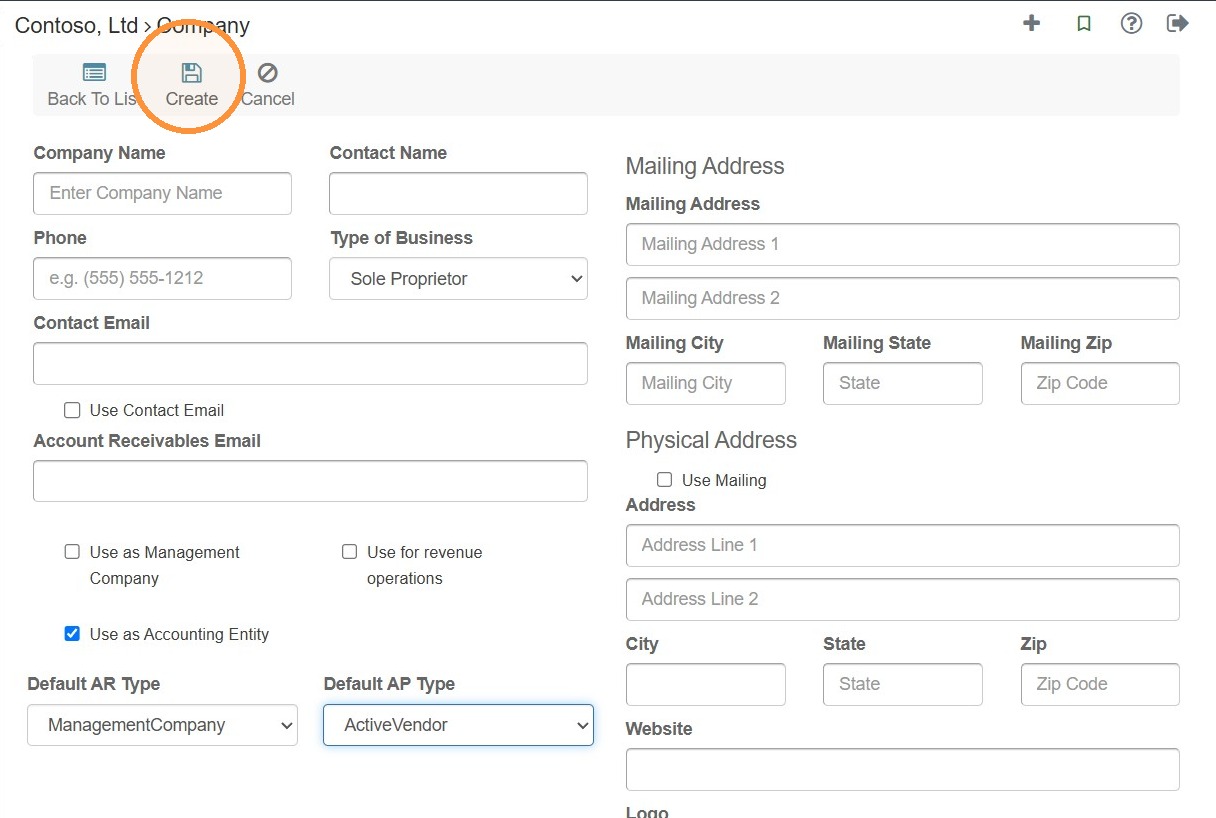
6. Select Create.
Related Tutorial(s)
Tip: How to Add and Configure a New Vendor\ How Bulk Import Vendor Data