Reports
Navigating to Reports In RAAMP
This guide quickly shows how to access RAAMP’s reporting area so you can find and open the reports relevant to your role. It highlights where to click in the navigation and explains that the available report list may vary by your access level or customizations.
How to Navigate to Reports
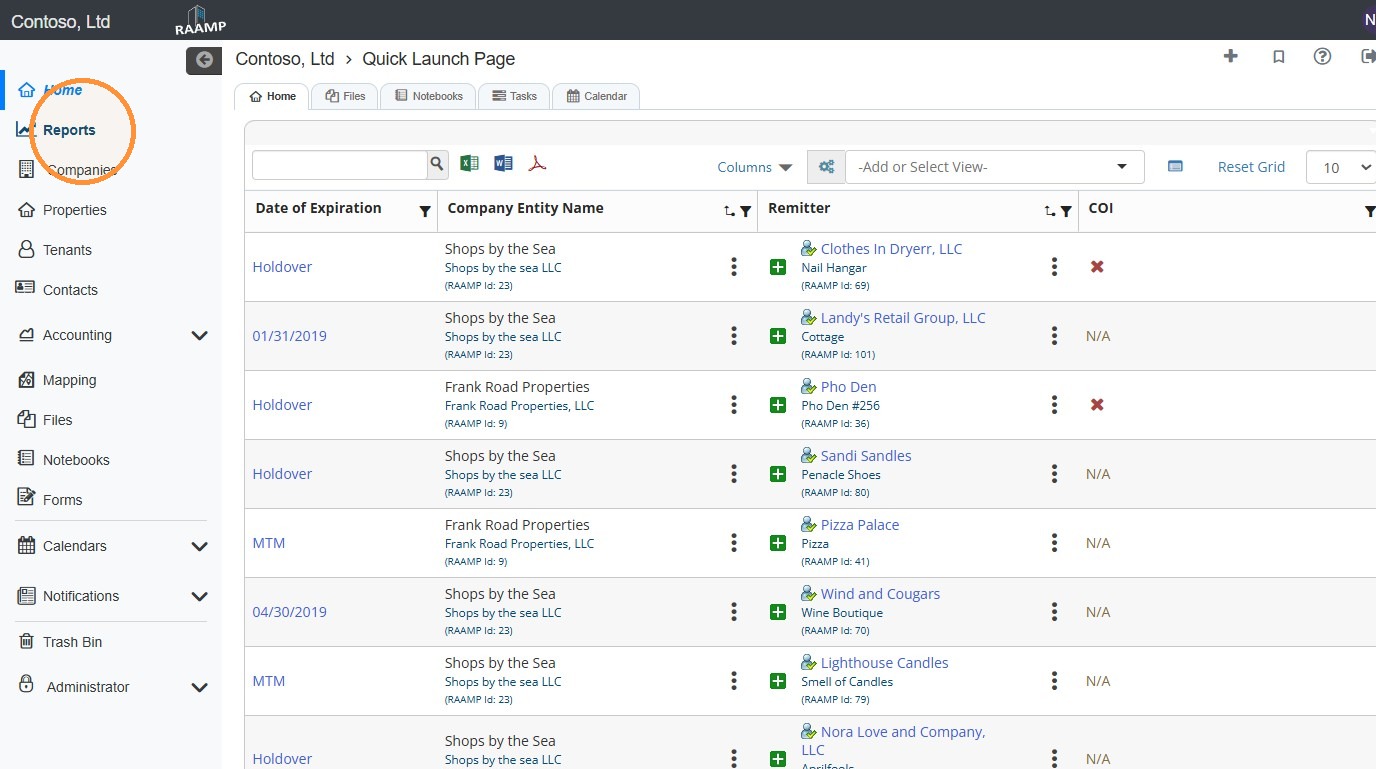
1. From the navigation menu, select Reports.
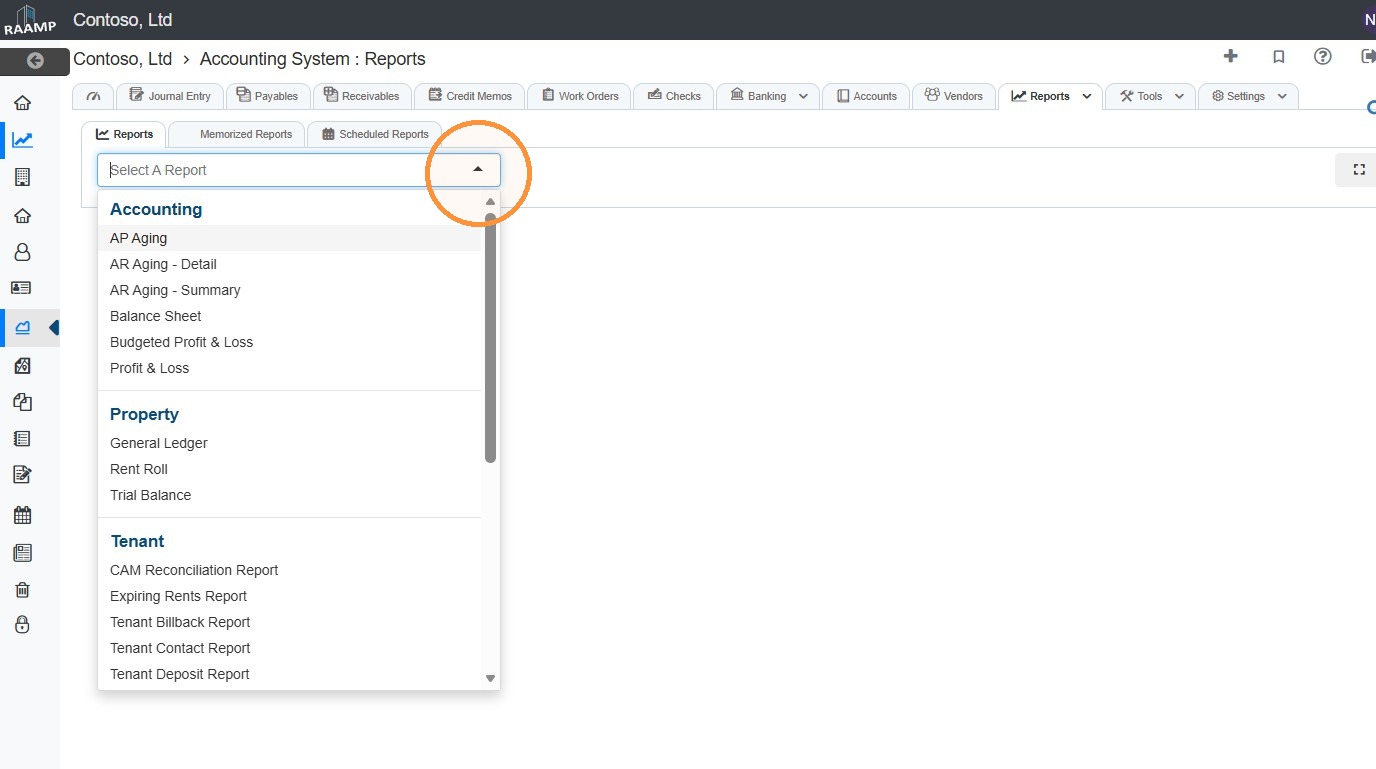
2. Select the Select A Report dropdown menu.
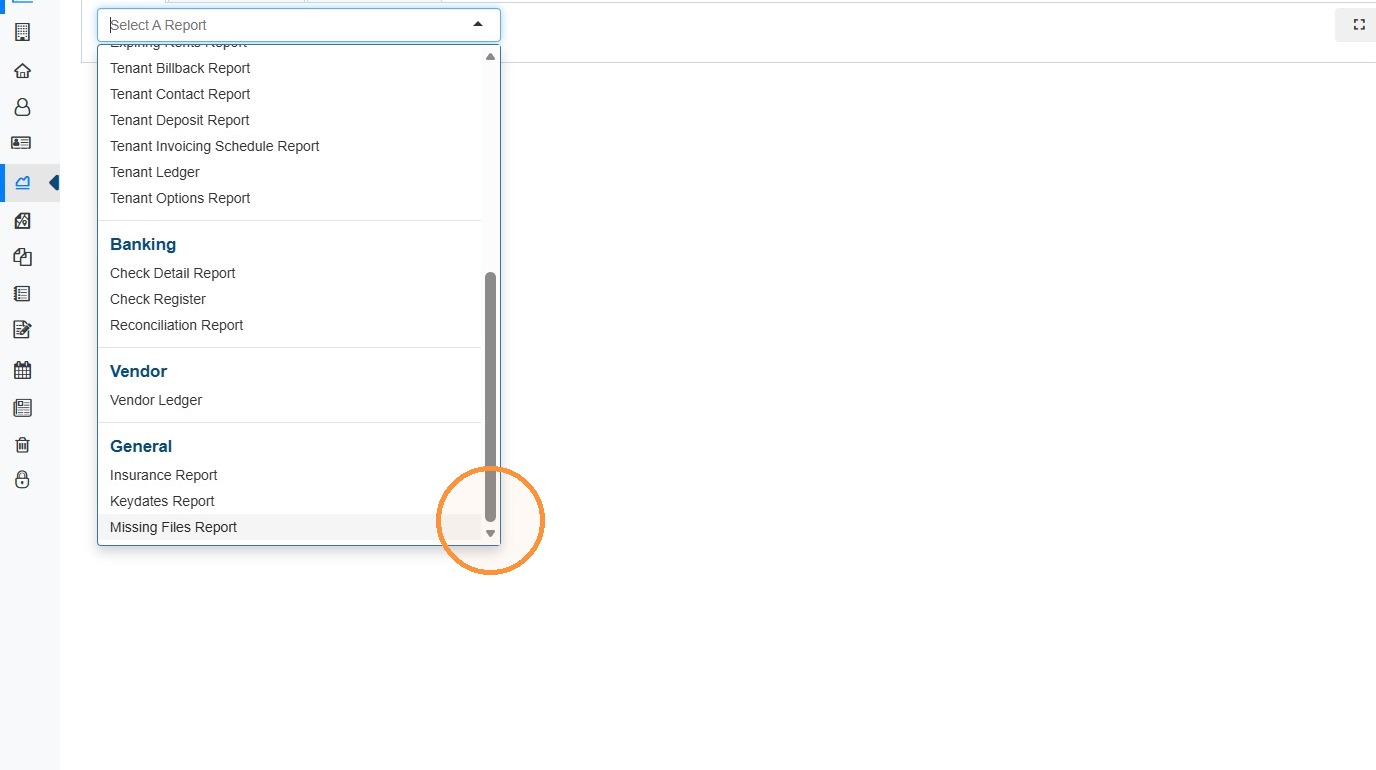
NOTE: Your dropdown options may have different Reports based on your access or any custom reports the RAAMP team builds for you.
Related Tutorial(s):