How to Add a Key Date to a File
1. Click here.

2. Click "Files"

3. Click "File is included on invoice. Original Lease"

4. Click here.

5. Click "New Key Date"

6. Click this text field.

7. Type "Secondary Expiration"
8. Click here.
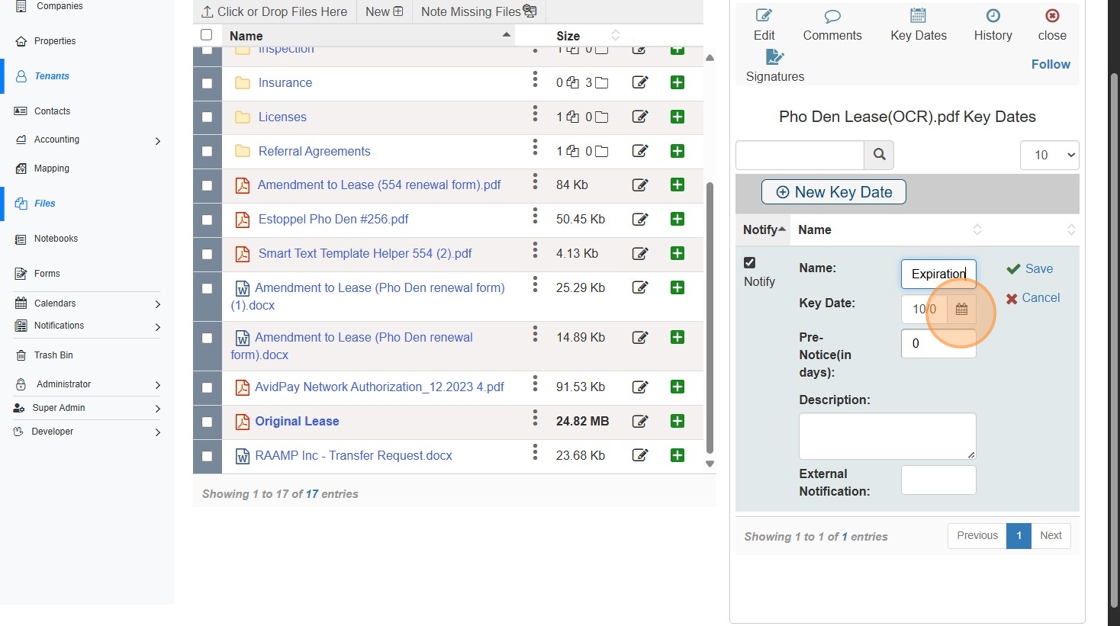
9. Double-click "Next Month"

10. Click "18"

11. Click "Save"
